

Authenticator App: 2FA/MFA/OTP
2.3.2 by FirstOrder.AI (0 Reviews) October 05, 2024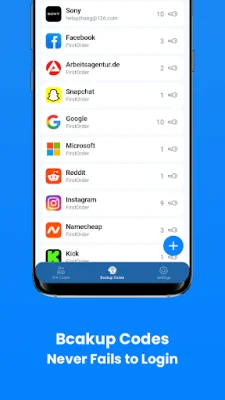

Latest Version
2.3.2
October 05, 2024
FirstOrder.AI
Tools
Android
0
Free
ai.firstorder.authenticator
Report a Problem
More About Authenticator App: 2FA/MFA/OTP
Two-factor authentication, or 2FA, is a security feature that adds an extra layer of protection to your online accounts. It requires users to enter a unique code, in addition to their username and password, to access their accounts. This helps prevent unauthorized access and keeps your personal information safe. There are many popular platforms that support 2FA, such as Google Authenticator, Microsoft Authenticator, and Facebook, TikTok, and Reddit authentication apps. Our multi-factor authentication app also supports a wide range of platforms, including PayPal, Stripe, Amazon, and more.
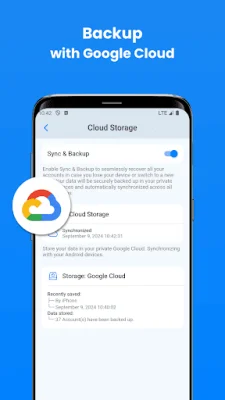
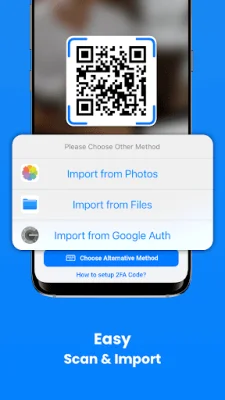
Our app offers a variety of key features to make setting up and using 2FA easy and convenient. It stores and generates 2 step verification codes, which update every 30 seconds for added security. The setup process is simple, with the option to scan a QR code or enter the information manually. The app also provides user-friendly guides to help you through the process. Your accounts can be synced and backed up using Google Cloud, and you can easily manage and recognize codes using OCR technology.
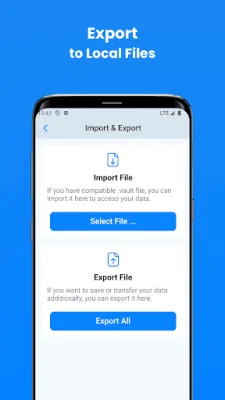
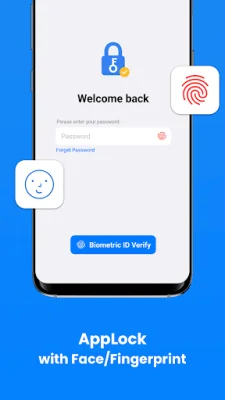
In addition to these features, our app also offers widgets for quick access to your codes, the ability to import and export accounts, and app level security using face or fingerprint recognition. For those with multiple accounts, our app allows you to organize them into custom folders for easier management. It also supports 11 languages for a global user base.
Our app follows a two-step verification process for user verification. First, the user enters their username and password on the website or server. Then, they use our authenticator app to generate a one-time password, which is submitted to the server for verification. This process ensures that only authorized users can access their accounts.
When browsing the Play Store, you may come across other authenticator apps, but our app stands out with its unique features and focus on keeping your online accounts safe. We welcome any feedback, questions, or suggestions from our users and can be contacted at [email protected]. Our home page, terms of use, and privacy policy can be found at authenticator.firstorder.ai.
Rate the App















Popular Apps









