

Auto Click : Automatic Clicker
1.0.2 by Logic Work Lab (0 Reviews) October 24, 2024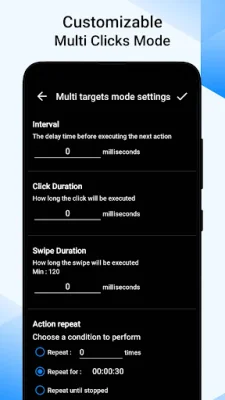

Latest Version
1.0.2
October 24, 2024
Logic Work Lab
Tools
Android
0
Free
com.logicworklab.autoclick.automatic.clicker
Report a Problem
More About Auto Click : Automatic Clicker
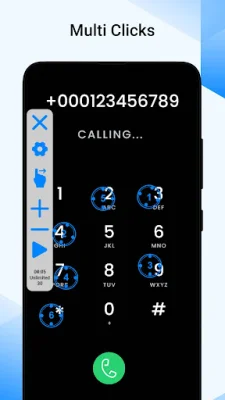
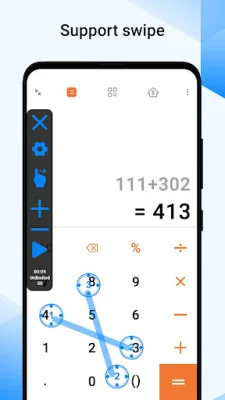
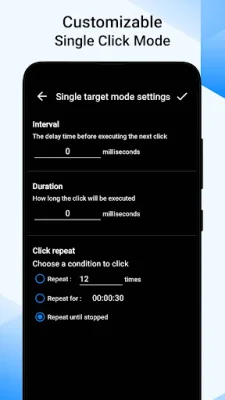
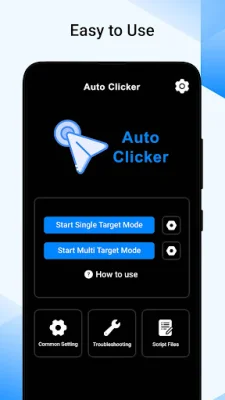
Auto Clicker is an application that allows users to automate clicking tasks on their device. It can be programmed to click at specific coordinates on the screen, repeat a certain number of times, or click in a random pattern. This is made possible by its auto click assistant feature. The app also offers the option to click at regular or irregular intervals, depending on the user's needs. Additionally, it has advanced features such as customizable click speeds and complex clicking sequences. One of the main features of Auto Clicker is its click automation function. This allows users to set a specific location on the screen or provide coordinates for the clicks, making it easier to automate repetitive tasks. The app also supports different types of clicks, including single clicks, double clicks, right-clicks, and customized click patterns. Another useful feature is the Quick Touch Macro Clicker, which allows users to specify the number of clicks, interval between clicks, and duration of the clicking session. This can be helpful for tasks that require a specific number of clicks or a consistent clicking speed. Auto Clicker also has an auto slider/auto scroll feature, which is useful for controlling presentations or slideshows. By automatically scrolling the page, users can maintain a smooth and consistent flow without the need for manual intervention. The app also offers click interval control, allowing users to adjust the interval between each click to make them occur at a constant or random rate. This helps to simulate more natural or human-like clicking behavior. For gamers, Auto Clicker can be a useful tool as it can help with applications or games that have specific timing requirements or cooldown periods. It can also be set to repeat a clicking sequence a certain number of times or loop indefinitely, making it easier to execute repetitive tasks without manual intervention. In addition to these features, Auto Clicker also has advanced configurations that may include adjustable click speed, click coordinates adjustment, window focus control, and more. It is available for free download and does not require any root permissions. However, it does require Android 7.0 or above to run. Please note that the app may require accessibility services to perform its core functions, such as clicks and swipes. However, it does not collect any private data using this permission. So, if you're looking for an efficient and user-friendly auto clicker app, give Auto Clicker a try!
Rate the App















Popular Apps









