
Backup & Restore SMS-Contacts
1.1.41 by ColdFusion (0 Reviews) October 23, 2024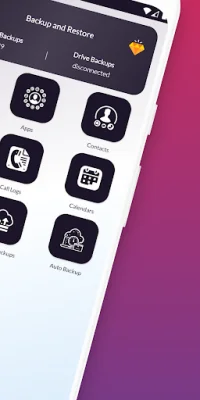
Latest Version
1.1.41
October 23, 2024
ColdFusion
Tools
Android
0
Free
backup.restore.contacts.sms
Report a Problem
More About Backup & Restore SMS-Contacts
This application is designed to help you backup and restore important data on your phone. It is important to note that this app does not backup or restore app data, but rather only apk files. This means that it will not save any information or settings within your apps, but it will save the actual app files themselves.
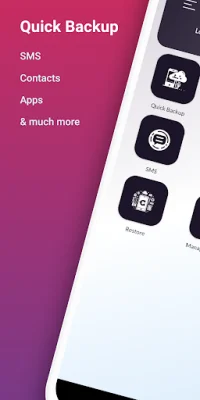
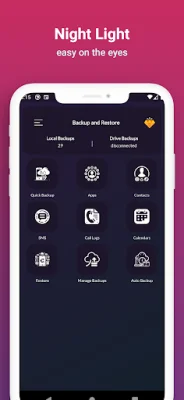
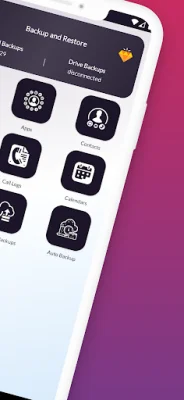
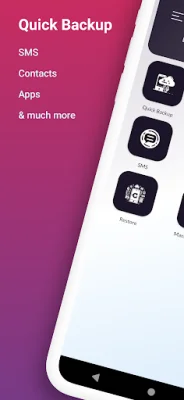
With this app, you can backup a variety of data including apps, SMS messages, contacts, call logs, and calendar events. You have the option to save these backup files either to your phone's storage or to your Google Drive account. This allows for easy access to your backup files from any of your devices that are connected to your Google Drive.
The backup process is simple and customizable. You can choose where you want to save your backup files and what specific data you want to backup. Once you have selected your preferences, you can click the "Start Backup" button and the app will create the backup file for you.
In addition to the basic backup function, this app also offers an advanced backup feature. This allows you to selectively backup specific data instead of backing up everything at once.
When it comes time to restore your data, you can easily do so by clicking on the "Restore/Manage Backup" button and selecting the category of data you want to restore. The app will continue the restore process in the background, even if you close the app, and will keep you updated on the progress and completion of the task.
The "Manage Backups" feature allows you to easily manage your backup files. You can upload local backups to your Google Drive, delete backups, and restore from a selected file. Similarly, you can also download backups from your Google Drive to your local storage, delete backups, and restore from a selected file.
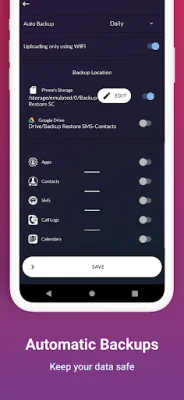
For added convenience, this app also offers an "Auto Backup" feature. This allows you to set automatic backups based on your preferences, ensuring that your data is always backed up without you having to manually do it.
In order for this app to function properly, it requires certain permissions. These include storage permission to create backup files and scan for existing backups, as well as access to your contacts, SMS messages, call logs, and calendar events. You also have the option to connect to your Google Drive account for storage of your backup files.
Rate the App















Popular Apps









