
Cast to TV - Screen Mirroring
by BizApp Inc. (0 Reviews) October 31, 2025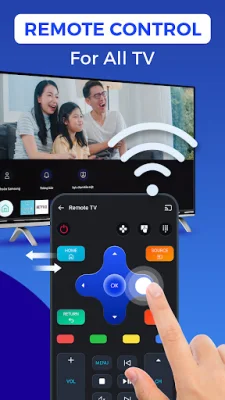
Latest Version
October 31, 2025
BizApp Inc.
Tools
Android
0
Free
com.screenmirroring.tvcast.remotecontrol
Report a Problem
More About Cast to TV - Screen Mirroring
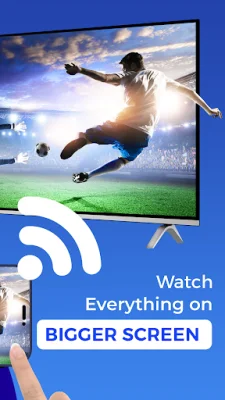
Cast to TV - Screen Mirroring is a convenient and easy-to-use app that allows you to cast or mirror your phone screen to your TV with just one tap. It eliminates the need for cables and provides instant screen casting for your favorite movies, photos, music, and games. With this app, you can stream your phone to your TV, cast videos to your screen, or even use your phone as a remote control for your TV. It offers a smooth and high-quality experience for all your casting needs.
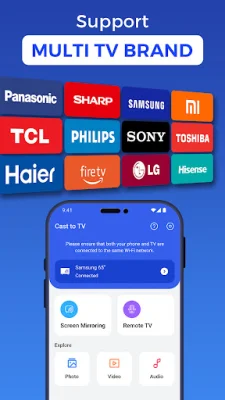
You can connect and control multiple devices with this app, including most smart TVs, Chromecast, Roku, Fire TV, Xbox, and any DLNA-compatible display. The app also offers effortless Wi-Fi connection, eliminating the need for additional hardware.
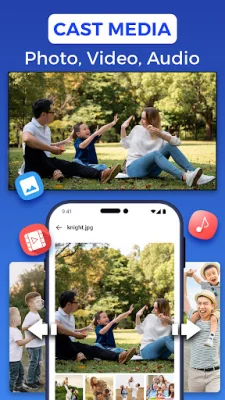
You can use Cast to TV for media playback, allowing you to stream all your media content on the big screen. This includes casting photos for family slideshows, movies for a cinematic experience, and music for an immersive sound and visual experience.
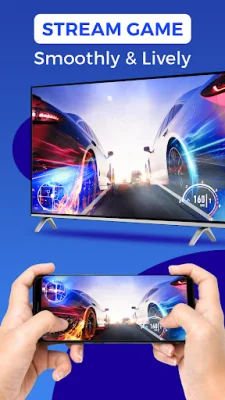
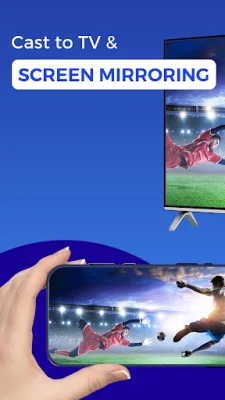
The app also offers real-time screen mirroring, allowing you to mirror your mobile screen in full screen with low latency and stunning resolution. This is perfect for remote work, gaming, or video calls.
In addition, Cast to TV turns your phone into a universal remote control, allowing you to control your TV's volume, play/pause, fast-forward, and navigate easily with a smart touchpad. It also offers HD picture and audio quality for a top-tier viewing experience.
Some reasons to choose Cast to TV - Screen Mirroring include its easy connectivity and compatibility with most smart TVs and casting devices, no setup required, support for HD and 4K content, reliable screen mirroring and file casting, and lightweight and fast performance. However, please note that your phone and the display device must be connected to the same Wi-Fi network for casting to work properly.
Experience the convenience of Cast to TV - Screen Mirroring and bring your entertainment to the big screen effortlessly. Please note that this app is not affiliated with or endorsed by any of the mentioned brands, and it functions as a third-party tool for casting and mirroring content to supported devices.
Rate the App







Popular Apps









