Cast to TV - Screen Mirroring
by FutureAppsTechnology (0 Reviews) December 14, 2025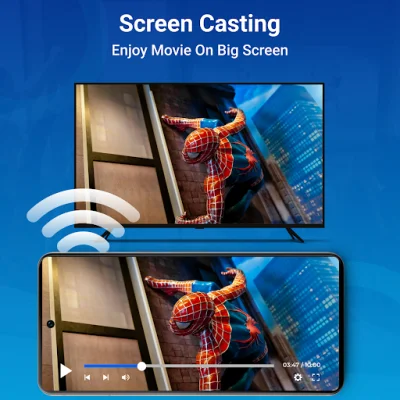
Latest Version
December 14, 2025
FutureAppsTechnology
Tools
Android
0
Free
com.all.tv.media.screencasting.mirroring
Report a Problem
More About Cast to TV - Screen Mirroring
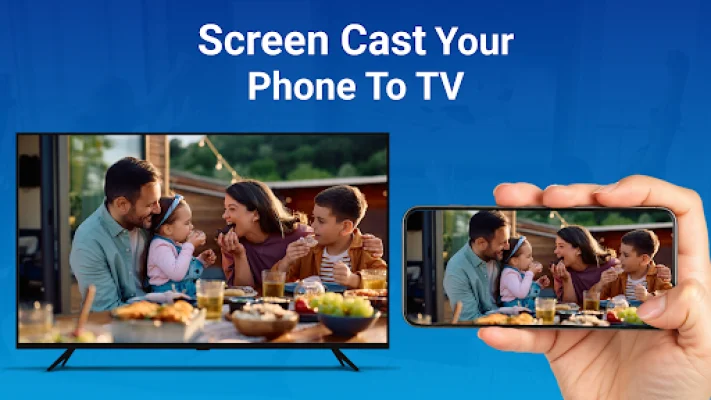
Experience seamless screen mirroring and casting with Screen Mirroring & Cast to TV, the ultimate solution to stream videos, mirror phone screens, and cast your favorite media to Smart TVs. This app allows you to easily share your Android device's screen on a larger display with high definition quality, making it perfect for entertainment, gaming, and work purposes.
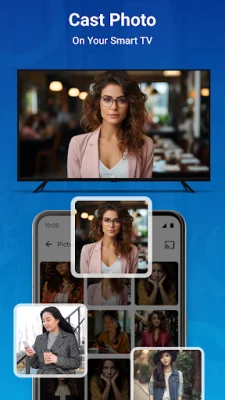
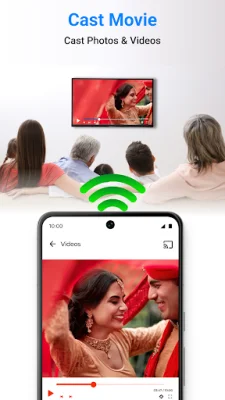
One of the main reasons to choose Screen Mirroring & Cast to TV is its wireless screen sharing feature, eliminating the need for any cables. You can easily mirror your Android device to your TV with just a few taps. Additionally, you can also cast photos, videos, and slideshows from your phone to the TV, making it a convenient way to share your memories with friends and family.
This app also supports Chromecast and Chromecast-enabled TVs, allowing you to stream content effortlessly. It is also compatible with LG Smart TVs, making it easy to share your phone screen and stream media. Moreover, it works with DLNA receivers and Miracast-enabled TVs like Samsung, Sony, and Hisense, providing a wide range of options for screen mirroring.
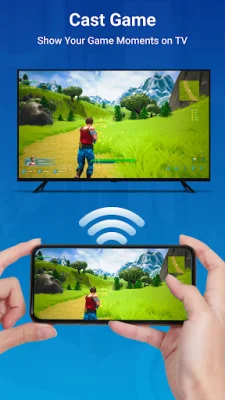
The top features of Screen Mirroring & Cast to TV include the ability to mirror your Android phone to your TV, stream videos and music, and even use the app's built-in browser to directly stream web videos to your Smart TV. This makes it a versatile app for various use cases such as family gatherings, gaming, movie nights, fitness workouts, and business presentations.
To use Screen Mirroring & Cast to TV, all you need to do is connect your phone and TV to the same Wi-Fi network, enable Miracast or Wireless Display on your TV, and select Screen Mirroring in the app. From there, you can choose your TV from the device list and start mirroring your screen.
This app supports a wide range of devices for screen mirroring, including all Chromecast products, LG Smart TVs, Amazon Firestick and Fire TV devices, and other DLNA-enabled TVs. However, it is important to note that this is an unofficial app and may not be compatible with all TV models.
In conclusion, Screen Mirroring & Cast to TV is a convenient and user-friendly app that allows you to easily share your Android device's screen on a larger display. With its various features and compatibility with multiple devices, it is a great solution for all your screen mirroring and casting needs.
Rate the App




Popular Apps









