
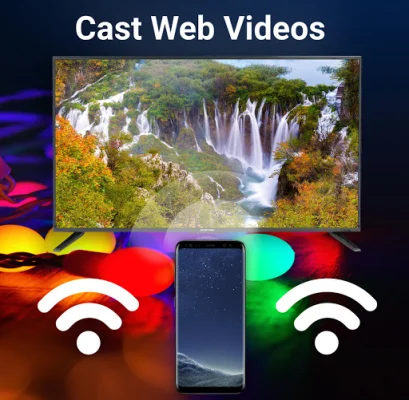
Cast Web Videos
0.10192 by Castify (0 Reviews) September 30, 2024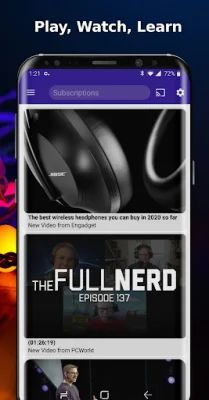



Latest Version
0.10192
September 30, 2024
Castify
Tools
Android
0
Free
castify.roku
Report a Problem
More About Cast Web Videos
This application is compatible with various streaming devices such as Roku, Chromecast, Fire TV, Apple TV, DLNA receivers, Xbox, and Smart TVs. It works best with Roku, but also supports Google Chromecast and Google Cast receivers. However, users may experience limited functionalities with other casting receivers. The remote feature is only available for Roku streaming devices and requires the Roku to be connected to the same WIFI network as the phone.
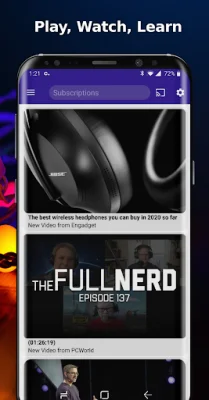
The app allows users to play videos, music, and photos from their phone or tablet to their TV through compatible streaming devices. It also has a built-in browser that can navigate to websites and play web videos. Users can also stream local files from their phone to Chromecast or other compatible devices. However, there is a limit of only 2 items in the queue and 1 bookmark at a time. The app also has a search function for videos on any website and the ability to block popups per website.
The free version of the app is supported by ads, but users can upgrade to the Pro Premium version to remove advertisements and access additional features such as subtitles, custom themes, and the ability to have more than 2 videos in the queue and 1 bookmark at a time. The app also allows users to set a home page for easier navigation.
To use the app, users can follow these steps: 1. Use the app's browser to navigate to a website. 2. The browser will search for any playable video or audio on the site. 3. Users can then choose to play the content on their phone or cast it to their TV using Chromecast or a compatible streaming receiver. The app supports various formats such as MP4, MKV, MP3, JPG, PNG, HTML5, and HLS Live Streaming in 4K and HD where available.
However, there are limitations for some streaming receivers. For example, Apple TV AirPlay does not support local casting of audio and photos, and MKV files are not supported. Fire TV also has limitations with certain video formats, and Roku Sticks do not support video resuming/scrubbing, audio streaming, and some file formats. The app also has BETA support for DLNA devices, Android TV, Xbox One & 360, WebOS, and Netcast, but these may not work as well as Chromecast.
It is important to note that this app does not modify, download, or transcode the video sources. It simply sends the original source to the streaming receivers. The app does not host any content, so the availability and compatibility of videos are dependent on the source websites. The app can only cast from websites that use public formats, and proprietary video formats will not work.
Rate the App













Popular Apps









