

Contact & File Transfer
2.0.8 by CyberValue LLC (0 Reviews) October 01, 2024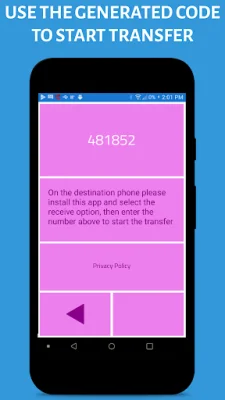

Latest Version
2.0.8
October 01, 2024
CyberValue LLC
Tools
Android
0
Free
com.cybervalue.filetransfer
Report a Problem
More About Contact & File Transfer
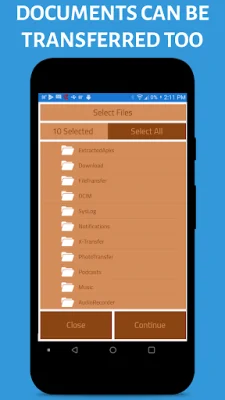
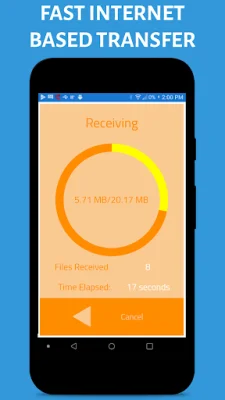
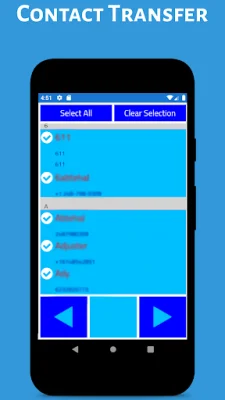
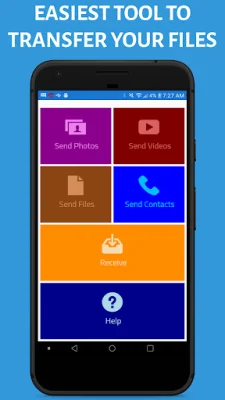
Our App offers a variety of features to make file transfers and contact sharing easier and more efficient. One of the main advantages of our App is that it does not require complicated network or Wifi connection setup, making it accessible to users with varying levels of technical knowledge. Additionally, our App ensures reliable file transfers, so you can trust that your files will be successfully transferred to the desired destination. With our App, you can instantly transfer contacts to another device without any hassle. The contacts will be transferred in their entirety, including phone numbers and names. Furthermore, our App automatically shows photos and videos in your photos app on the destination phone, saving you the time and effort of manually searching for them. We have designed our App with ease of use in mind, so even those who are not tech-savvy can easily navigate it. The user interface is self-explanatory and user-friendly, making the transfer process quick and efficient. In case you encounter any issues, our App also has a comprehensive Help Section to guide you through any difficulties. If you still need assistance, you can directly contact the Developer using the "Contact Developer" feature on the App. To ensure a smooth transfer process, there are a few things to keep in mind. Firstly, make sure to grant the App permission to access your external storage. This will allow the App to access the files and contacts you want to transfer. Additionally, it is recommended to use WiFi instead of data for faster and more stable transfers. To transfer contacts, simply select the "Send Contacts" option and choose the contacts you want to transfer. The App will then provide you with a reference number, which you can use to receive the contacts on the other device. For file transfers, select the "Send Photos/Video/Files" option and choose the files you want to transfer. Some tools may not allow you to select all files at once, so make sure to use a tool that allows this, such as the photos app. Once you have selected the files, the App will provide you with a reference ID to start the transfer process. Lastly, our App has a Terms of Service that can be found at http://cybervalueapps.com/terms-of-service/. We strive to provide original and SEO-oriented content to ensure the best user experience.
Rate the App















Popular Apps









