Contacts to Excel, PDF, CSV
by Dropouts Technologies LLP (0 Reviews) April 13, 2026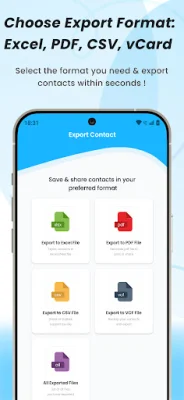
Latest Version
April 13, 2026
Dropouts Technologies LLP
Tools
Android
0
Free
com.dropouts.contact_to_excel_pdf_vcf_csv
Report a Problem
More About Contacts to Excel, PDF, CSV
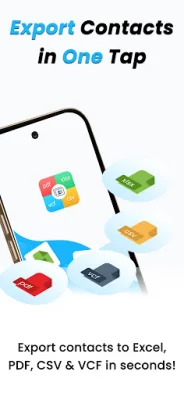
Take full control of your address book with our application, which offers seamless export options for every workflow. This means that no matter what your needs are, our application has the perfect export format for you.
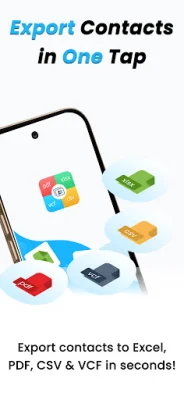
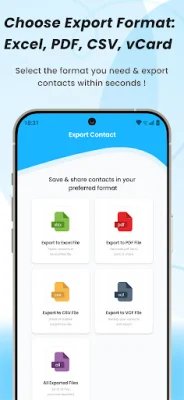
Our available formats include XLSX, PDF, CSV, and VCF (vCard). XLSX is ideal for those who love using Excel, with its clean formatting and easy sorting features. PDF allows you to generate neat and printable lists that can be easily shared or marked up at any time. CSV is perfect for those who use tools like Outlook, Gmail, or CRMs, as it is compatible with countless other tools. And VCF is the universal standard for backing up or transferring contacts across devices.
With our application, you have the flexibility to export all of your contacts or handpick only the ones you need. This allows you to customize your export and save time by not having to manually sort through unnecessary contacts.
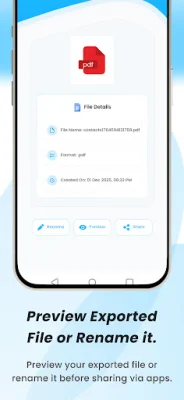
Our preview feature allows you to instantly see how your exported file will look before sharing, sending, or saving it. This ensures that you are satisfied with the formatting and content before finalizing the export.
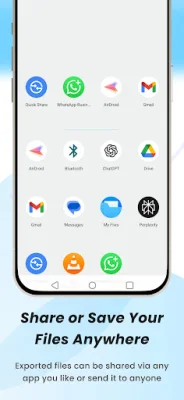
You can also easily manage your exported files by quickly renaming, deleting, or sharing them whenever you want. This gives you full control over your exported data and allows you to easily organize and access it.
For added convenience and peace of mind, our application also allows you to create reliable contact backups with VCF files. This ensures that your important contacts are always backed up and can be easily transferred to a new device if needed.
If you have any questions or need assistance, our support team is always available at [email protected]. We strive to provide original and SEO-oriented solutions to help you make the most out of our application.
Rate the App










Popular Apps









