
DIGITAL CLOCK SHG2
9.1.0 by Y2PROM (0 Reviews) August 25, 2024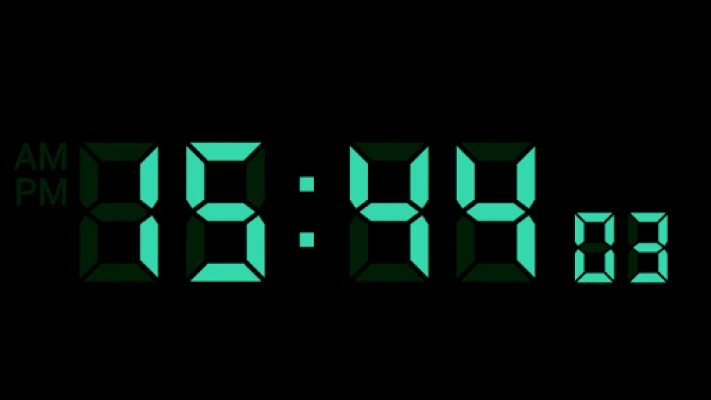
Latest Version
9.1.0
August 25, 2024
Y2PROM
Tools
Android
0
$1.99
com.bakedspider
Report a Problem
More About DIGITAL CLOCK SHG2
This application is designed to help users set alarms and customize their clock display. It also allows users to set notification sounds and use a text-to-speech function. However, if users have any questions, bug reports, or complaints, they are encouraged to email the developer directly at [email protected] instead of leaving a review. This ensures that the developer is notified and can address any issues promptly.
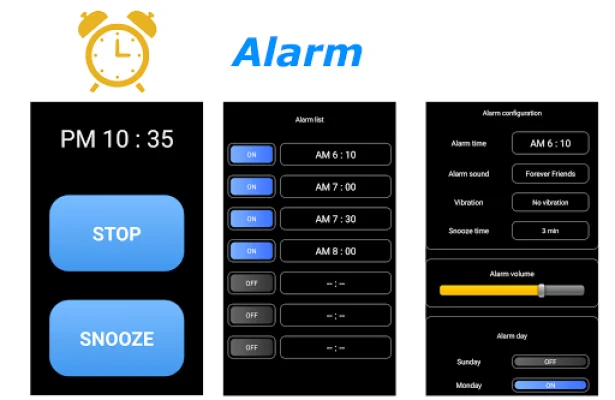
To use the alarm feature, users can select a task from the alarm list and set the time, sound, vibration, snooze time, volume, and days of the week for the alarm. They can also enable the alarm by turning on the button on the left side of the alarm list. However, the low power consumption function of Android may affect the alarm, so users are advised to confirm that the application is not being automatically disabled after setting the alarm.
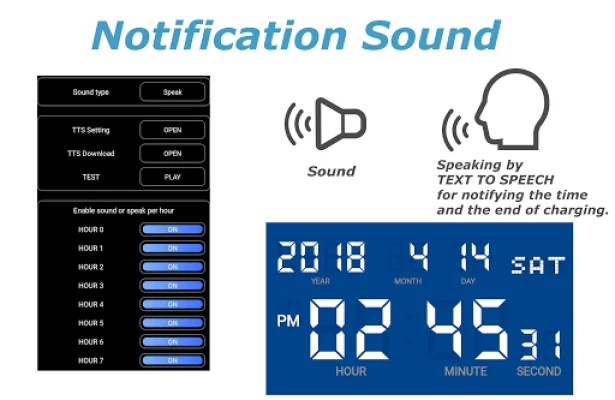
The application also allows users to customize their notification sounds, including setting a time signal sound and a charging completed sound. They can also adjust the settings for the text-to-speech function, such as selecting the Google text-to-speech engine and testing the speaking function.
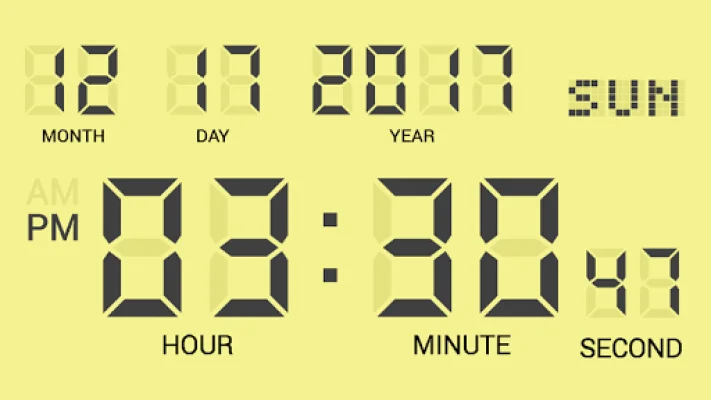
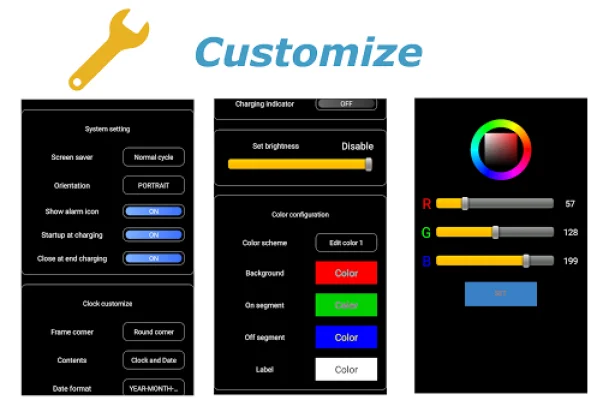
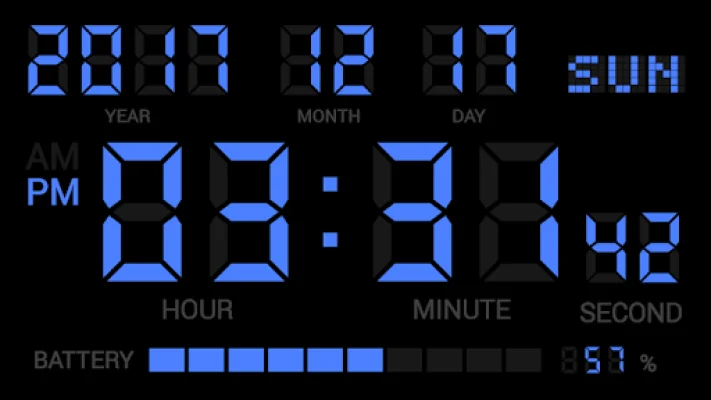
Users can also customize their clock display by activating a screensaver, setting the orientation, and choosing a frame corner shape. They can also select what information is displayed on the screen, such as the time and date, and adjust the format and appearance of this information. Additionally, they can adjust the screen brightness and choose a color scheme for the digital clock.
In the paid version of the application, users have even more customization options, such as setting their own color scheme and displaying the remaining battery level. Overall, this application offers a variety of features to help users set alarms and personalize their clock display, and the developer is easily accessible through email for any questions or concerns.
Rate the App














Popular Apps









