

Downloader Browser for TV
11.9.0 by Nexech (0 Reviews) November 21, 2025
Latest Version
11.9.0
November 21, 2025
Nexech
Tools
Android
0
Free
com.aospstudio.downloader
Report a Problem
More About Downloader Browser for TV
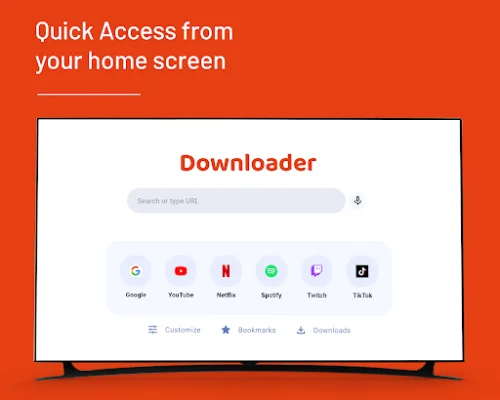
Downloader is a user-friendly application that allows you to easily search for URLs or text using your TV remote. This means you can access your favorite websites or search for information without having to type on a small keyboard or use a mouse. It simplifies the browsing experience and makes it more convenient for users to navigate the internet on their TV screens.
The app also lets you add any websites as shortcuts to your home screen, making it even easier to access your frequently visited sites. This feature saves you time and effort, as you no longer have to type in the URL every time you want to visit a particular website.
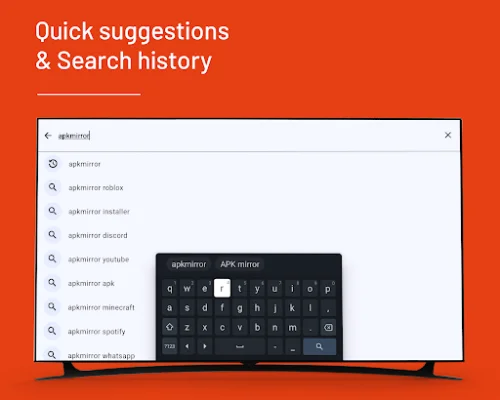
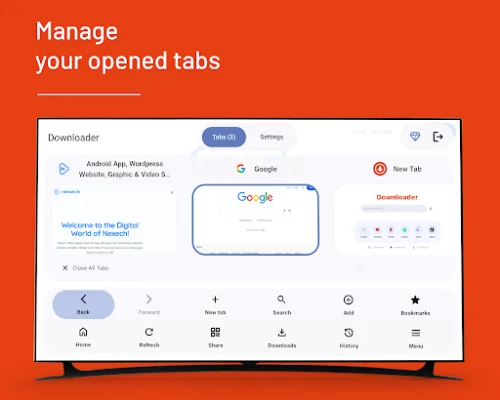
With Downloader, you can view and manage all your open tabs from a single screen. This makes it easier to switch between different websites and keep track of your browsing history. The app also provides quick access to previous searches through history and suggestions, making it easier to find what you're looking for.
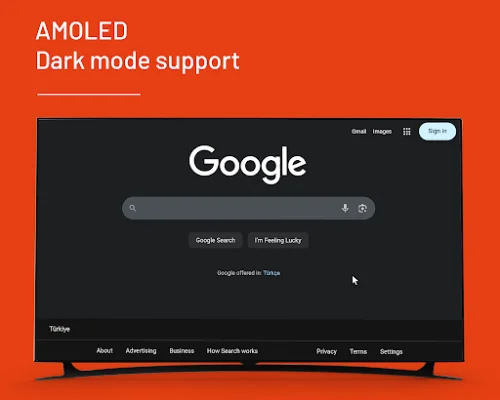
One of the standout features of Downloader is its built-in download manager. This allows you to start and track file transfers, making it easier to download files from the internet. The app also offers comfortable long-term viewing with AMOLED and dark mode support, reducing eye strain and making it more enjoyable to browse for extended periods.
Additionally, Downloader provides one-screen access to various tools such as menu, history, bookmarks, and sharing. This makes it easier to manage your browsing experience and access important features without having to navigate through multiple screens. The app also prioritizes user privacy by only using the necessary permissions and ensuring smooth performance on your device. Overall, Downloader is a versatile and efficient application that enhances the browsing experience on your TV.
Rate the App










Popular Apps









