
DroidCamX HD (Classic)
by Dev47Apps (0 Reviews) September 03, 2024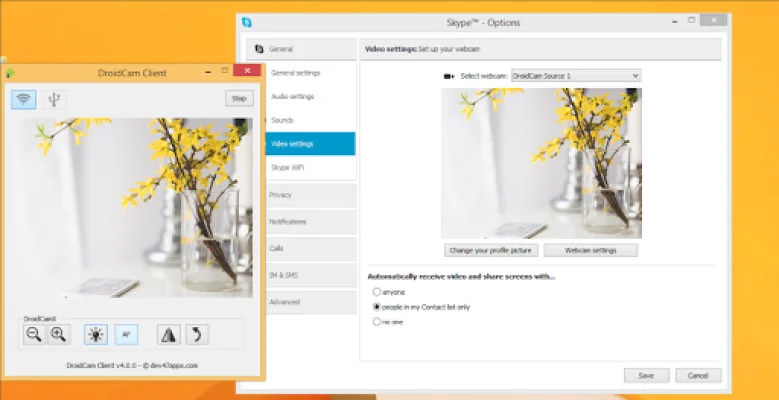

Latest Version
September 03, 2024
Dev47Apps
Tools
Android
0
$4.99
com.dev47apps.droidcamx
Report a Problem
More About DroidCamX HD (Classic)
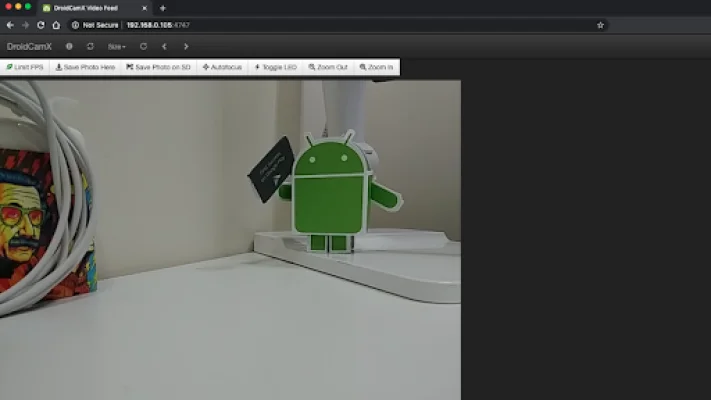
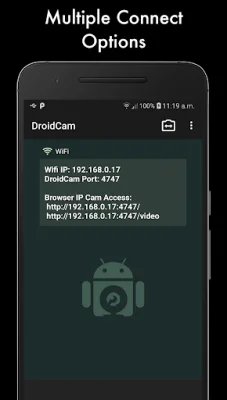
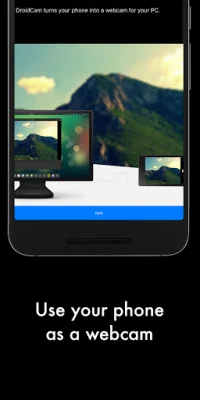
DroidCam Webcam is an application that allows you to use your phone as a webcam on your computer. It offers the ability to connect over Wifi or USB and supports high-quality video with HD mode. The app also has a "Smooth FPS" option in the settings for a more stable video experience. One of the unique features of DroidCam Webcam is that it allows you to use other apps on your phone while the webcam is running in the background. This is especially useful for multitasking or using your phone for other purposes while video chatting. One of the most convenient aspects of DroidCam Webcam is that it continues to work even when your phone's screen is off, helping to conserve battery life. Additionally, the app offers IP Webcam MJPEG access, which means you can access the camera through a browser or from another device. This feature adds flexibility and convenience for users who may want to access the webcam from different devices. DroidCam Webcam also offers a variety of camera controls, including auto focus, zoom, and flash light. These controls can be adjusted directly from the app, making it easy to customize your video experience. Another useful feature is the ability to capture still image frames on both your phone and computer while the app is running. This allows you to take photos or screenshots while using the webcam. For Windows users, the app offers even more advanced controls through the Windows client. These include options to mirror, flip, adjust brightness and contrast, and more. The app also offers a Linux client for those using that operating system. To download and install the clients, simply visit the website on your computer and follow the instructions provided. It's important to note that USB connection may require additional setup, so users should be aware of this before attempting to connect their phone to their computer via USB. If there are any issues with downloading or verifying the app from the Play Store, users can check their order status and try again. Alternatively, they can use the web version of the Play Store on their computer to avoid any potential caching or account sync issues. Overall, DroidCam Webcam offers a convenient and versatile solution for using your phone as a webcam on your computer.
Rate the App















Popular Apps









