Fire TV Remote Pro
by Global Apps and Games (0 Reviews) October 30, 2025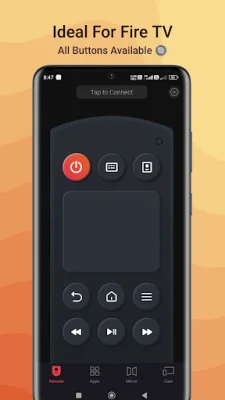

Latest Version
October 30, 2025
Global Apps and Games
Tools
Android
0
$4.49
tv.remote.control.firepro
Report a Problem
More About Fire TV Remote Pro
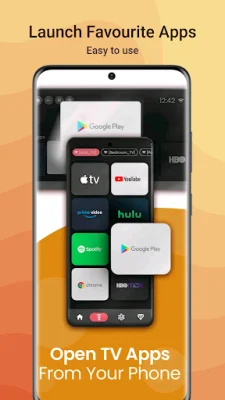
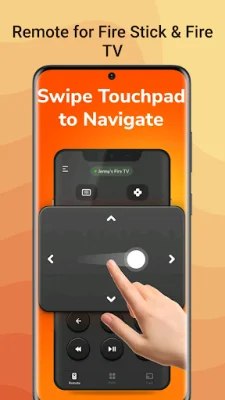
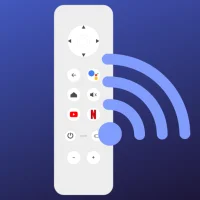
This application allows you to control your Fire TV using your mobile phone. To get started, make sure your phone and Fire TV are connected to the same Wi-Fi network and enable ADB debugging on your Fire TV. Once connected, you can use your phone as a fully functional remote, complete with a built-in keyboard for easy text input. You can also quickly access your favorite apps and streaming services with just one touch.
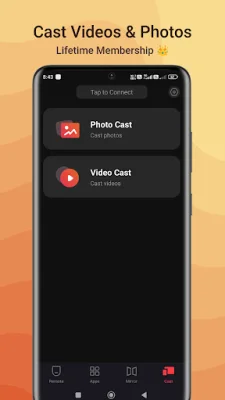
One of the key features of this app is the ability to cast photos and videos from your phone to your TV. You can also mirror your phone screen on the TV with minimal delay. This app also allows you to power your Fire TV on and off remotely, as well as adjust the volume using your phone. And with the auto-connect button, you can easily pair your devices for instant control.
To use the screen mirroring and casting feature, you will need to install the "Screen Mirroring Receiver for Fire TV" app on your TV. Once linked, you can tap "Mirror" on the app and follow the prompts to install the receiver app on your Fire TV. Then, you can restart the mirroring or casting process and enjoy a seamless experience.
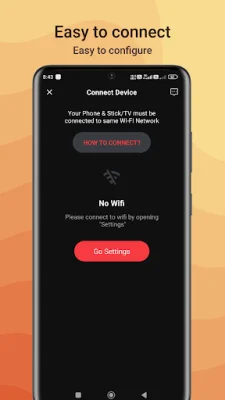
To connect your phone and Fire TV, simply make sure both devices are on the same Wi-Fi network and enable ADB debugging on your Fire TV. Then, open the app and tap "Connect" to automatically find your Fire TV. To use the mirroring and casting feature, follow the steps outlined above. Please note that Firewox Studio is not affiliated with Amazon.com Inc. and this app is not an official product of Amazon.com Inc. or its affiliates.
Rate the App




Popular Apps









