

FTP Server
3.1 by Pieter Pareit (0 Reviews) May 13, 2026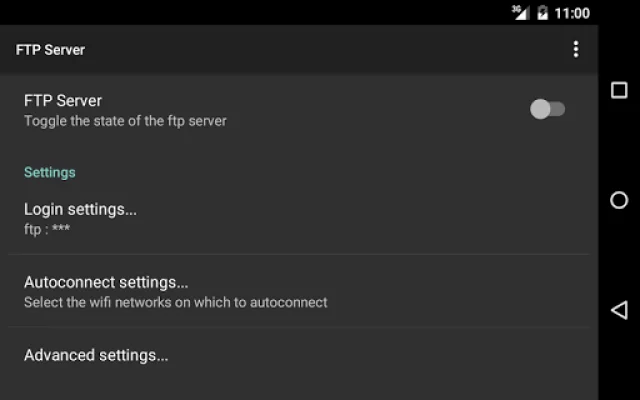
Latest Version
3.1
May 13, 2026
Pieter Pareit
Tools
Android
0
$1.99
be.ppareit.swiftp
Report a Problem
More About FTP Server
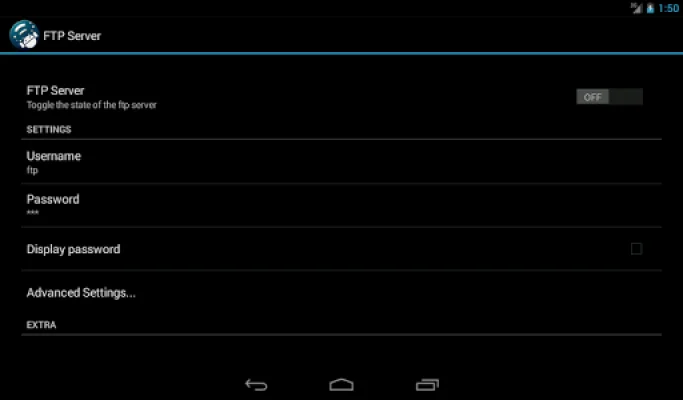
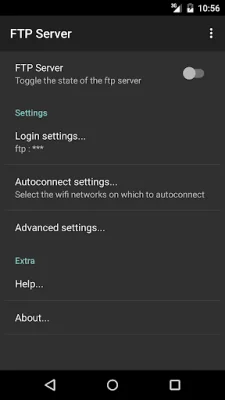
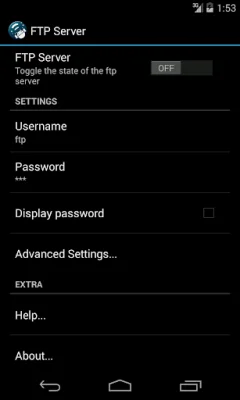
The FTP Server app allows users to access and manage files on their Android device through a secure FTP connection. By default, the login credentials are set to 'ftp', but it is recommended that users change them for security reasons. These credentials are used when accessing the server.
For optimal performance and security, it is recommended to stop the server after use. The app offers a variety of features, including the ability to read and write to both internal and external storage, support for advanced FTP features like UTF8, MDTM, and MFMT, and Bonjour/DNS-SD for easy service discovery. It also has the capability to automatically connect to selected wifi networks and can be controlled by Tasker or Locale.
The server is completely implemented within the app itself, without the use of external libraries. This ensures the best possible performance on Android devices. However, some advanced features may require support from the underlying file system.
The app follows Material interface guidelines, making it visually appealing on all types of devices. It also offers convenient ways to start and stop the server, such as through notifications and widgets. Users can also configure settings such as anonymous login, chroot directory, and port.
FTP Server is open source software released under the GPL v3 and is maintained by Pieter Pareit. The code and any issues can be found on the app's GitHub page. The app was initially developed by Dave Revell, with a focus on originality and SEO optimization.
Rate the App















Popular Apps









