

Ghost Commander File Manager
1.62.3 by Ghost Squared (0 Reviews) July 30, 2024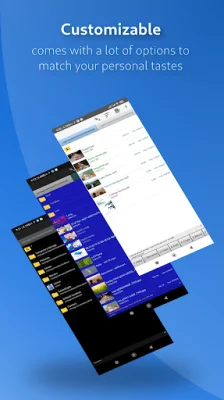
Latest Version
1.62.3
July 30, 2024
Ghost Squared
Tools
Android
0
Free
com.ghostsq.commander
Report a Problem
More About Ghost Commander File Manager
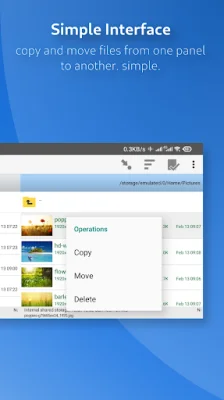
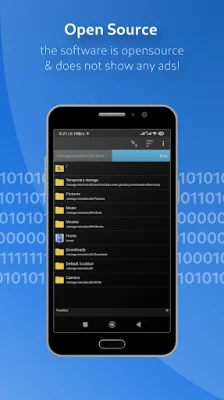
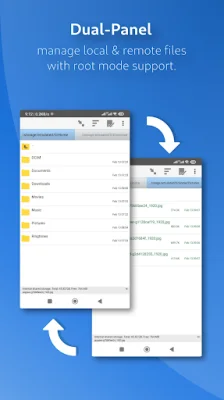
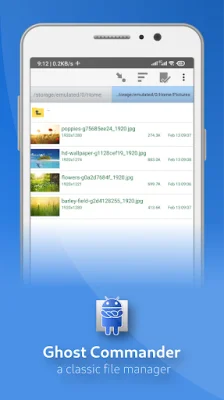
This application is a file manager that allows users to easily copy and move files from one panel to another. It is an open source software that does not display any advertisements and relies solely on donations from users to continue its development. The user interface is simple and classic, with the ability to open files and folders by tapping on the left and select multiple items by tapping on the right. Users can also customize this feature in the settings if they are left-handed.
The file manager provides writing access to external SD card drives and USB OTG through a special "Storage Access Framework" mode. This allows users to have read-only access to external drives. It also supports FTP and SFTP servers, Windows network shares, and cloud storage services such as Google Drive, BOX, and Dropbox. Users can also create and extract crypted ZIP archives and work with them as if they were regular folders. For advanced users, the file manager also has a root (superuser) mode that allows them to make changes to protected system files on rooted devices.
One of the key features of this file manager is its high level of customization. Users can adjust the appearance and behavior of the file manager to their personal preferences and habits. Some of the features include easy sorting by name, extension, size, or date, customizable multiselect, and the ability to change file permissions and owners in root mode.
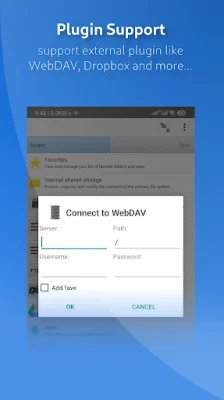
The file manager also has a variety of other features such as a built-in FTP client, favorite shortcuts for folders and locations, file search by content and other properties, text and picture viewers, and the ability to send files via email or Bluetooth. It also supports Windows network through an optional SMB plugin and allows for streaming audio and video from a remote location to a player app. Users can also access cloud storage services through plugins.
The requested permissions for this application are explained as follows: INTERNET is necessary for FTP and other network plugins to connect to servers, but no connection is established without the user's command. ACCESS_WIFI_STATE prevents the WiFi from going down during a file transfer, WAKE_LOCK prevents the phone from going into deep sleep during a file transfer, WRITE_EXTERNAL_STORAGE allows the file manager to copy files to the SD card, VIBRATE allows the phone to vibrate during long file operations, INSTALL_SHORTCUT creates shortcut icons on the desktop, MOUNT_UNMOUNT_FILESYSTEMS allows the file manager to do so when requested, ACCESS_SUPERUSER enables the root mode to function properly, and USE_CREDENTIALS is only used for the Google Drive plugin to access Google-based services.
Users can visit the website, source, and vote for new features through the provided links. They can also help with localization through a crowdsourcing platform. If users enjoy this application, they can make a small donation to support its further development.
Rate the App















Popular Apps









