

Google Family Link
by Google LLC (0 Reviews) July 31, 2024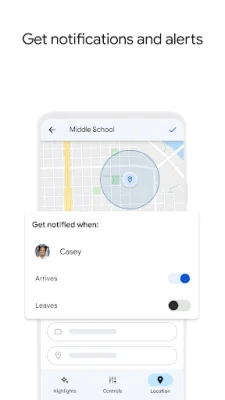
Latest Version
July 31, 2024
Google LLC
Tools
Android
0
Free
com.google.android.apps.kids.familylink
Report a Problem
More About Google Family Link
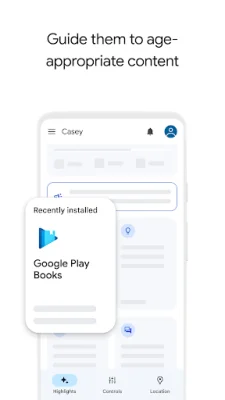
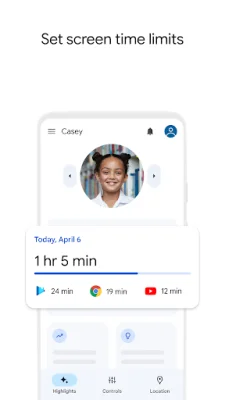
Family Link is an application that allows parents to establish digital ground rules for their children's devices. With this app, parents can set screen time limits and downtime for their child's device, as well as time limits for specific apps. This helps parents to ensure that their child maintains a healthy balance between screen time and other activities. Additionally, parents can guide their child to age-appropriate content by approving or blocking apps and choosing the appropriate YouTube experience for their child.
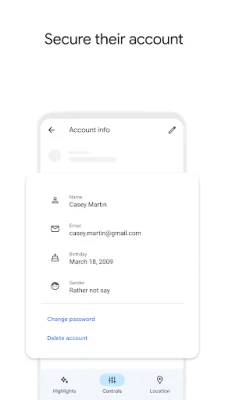
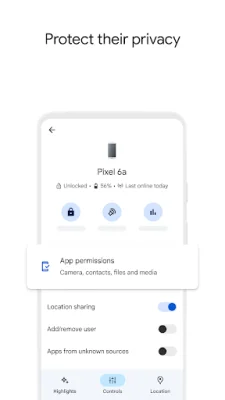
One of the key features of Family Link is the ability to manage and secure your child's account. Parents can protect their child's privacy by managing permissions for websites, extensions, and apps accessed through Chrome. They can also access and manage their child's account and data settings, including changing or resetting their password, editing personal information, or even deleting the account if necessary.
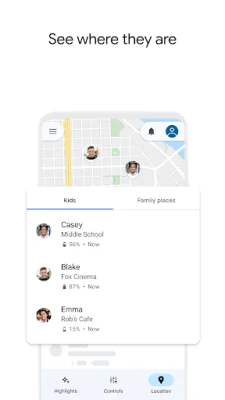
Family Link also helps parents stay connected with their child on the go. The app allows parents to locate their child on a map as long as they have their device with them. Parents can also receive notifications and alerts, such as when their child arrives or leaves a certain location, and can even ring their child's device or check its remaining battery life.
It is important for parents to note that the tools available on Family Link may vary depending on their child's device. They can check the list of compatible devices on the app's website. While Family Link helps manage purchases and downloads from Google Play, it does not require approval for app updates or previously approved apps. Parents should regularly review their child's installed apps and permissions.
Parents should also carefully review the apps on their child's device and disable any they do not want them to use. However, some pre-installed apps may not be able to be disabled. It is also important to note that the device must be powered on, recently active, and connected to the internet for parents to see its location.
Family Link is only available for supervised Google accounts, which give children access to Google products like Search, Chrome, and Gmail. Parents can set up basic digital ground rules to supervise their child's online experience. While Family Link provides tools to manage and keep children safer online, it does not make the internet completely safe. Parents still have the responsibility to make decisions about their child's online activities and determine the best path to online safety for their family.
Rate the App















Popular Apps









