Large Digital Clock Display
1.10 by ttnnapps (0 Reviews) December 14, 2025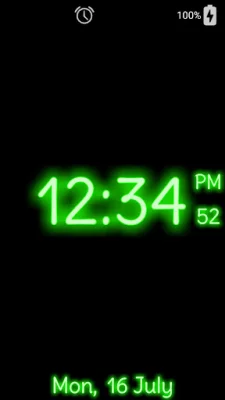
Latest Version
1.10
December 14, 2025
ttnnapps
Tools
Android
0
Free
com.ttnnapps.LargeDigitalClock
Report a Problem
More About Large Digital Clock Display
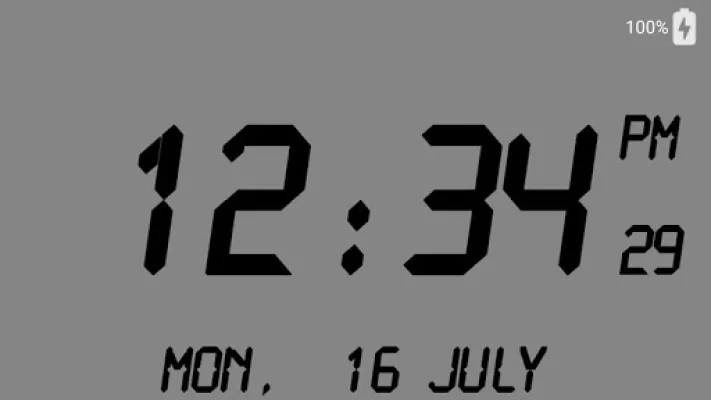
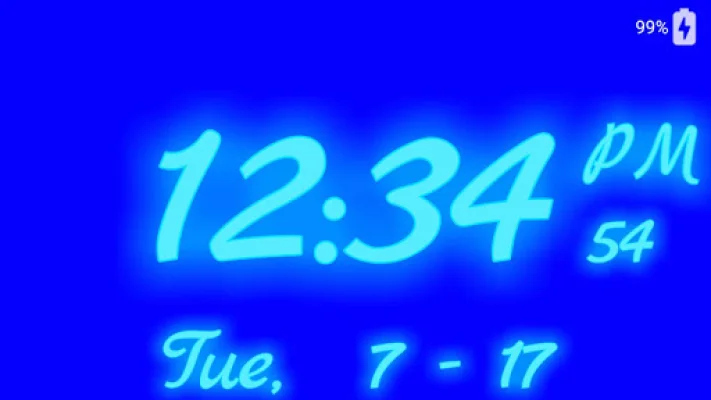
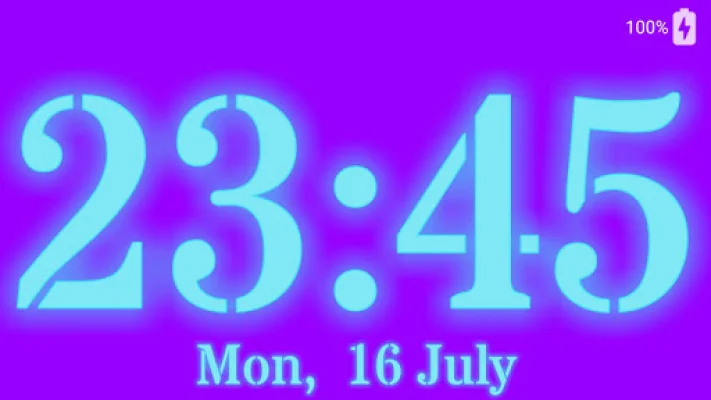
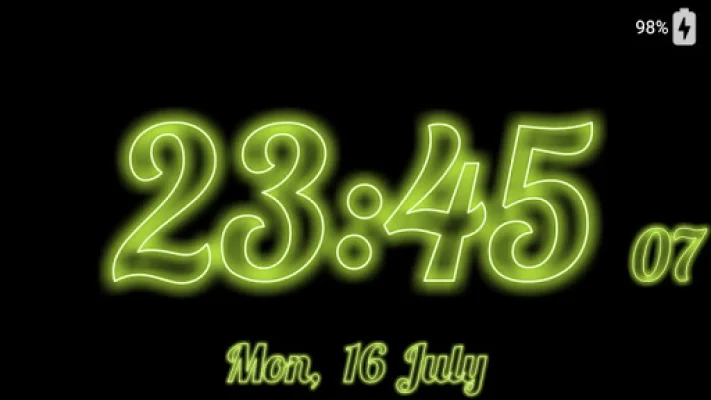
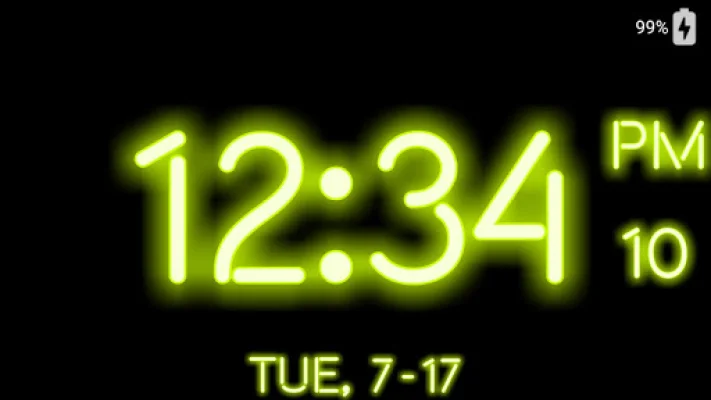
This application is a versatile and customizable clock that can serve as a neon digital clock, LED digital clock, desk clock, dock clock, night clock, and alarm clock. Its design is simple and minimalistic, making it suitable for various purposes and settings.
One of the key features of this clock is the variety of clock text fonts available, including system, cursive, calligraphic, comic, handwritten, neon, and special fonts. Users can also choose between a normal or outline style for the clock text. The display of the clock is also adjustable, allowing users to change the size of the time and date text, the outline stroke width, and the neon glow spread and brightness.
In addition to these customization options, users can also select their preferred date format and choose which elements to show or hide on the clock, such as the date, day of the week, AM/PM marker, seconds, battery level, and power connection state. The clock also offers a full range of neon color options for both the text and background.
To prevent screen burn-in, the clock can be moved around the screen. It also has four screen modes with adjustable brightness: standard (always on and follows device brightness setting), sleep (follows device sleep setting with preset brightness), normal (always on with preset brightness), and night (always on with preset brightness in the dark). The clock supports all orientations and can be set to auto-rotate with the device.
Using the clock is simple and user-friendly. Users can access the settings menu by tapping the settings icon, go to the system alarm app by tapping the alarm icon, and adjust the screen brightness and mode by tapping the bright screen icon. The clock can also be set to launch automatically when connected to an AC charger. Additionally, users can choose to show or hide individual menu icons and can access the system alarm app with just one touch.
For users in the European Economic Area, a consent form will be presented upon the first launch to choose between personalized or non-personalized ads service. This choice can also be revised in the settings menu. With its customizable features and easy-to-use interface, this clock application is a convenient and practical tool for keeping track of time.
Rate the App






Popular Apps









