

Navbar Notifications Button
1.1.2 by Phone Phreak (0 Reviews) September 04, 2024

Latest Version
1.1.2
September 04, 2024
Phone Phreak
Tools
Android
0
Free
com.phonephreak.loopbutton
Report a Problem
More About Navbar Notifications Button
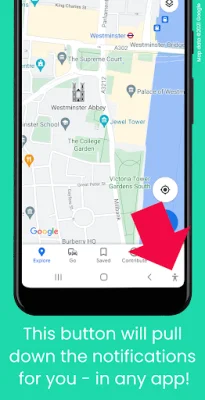
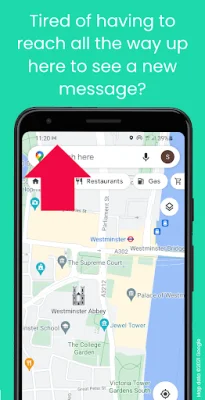
Tired of constantly reaching up to the top of your phone's screen to check new notifications? Look no further than Navbar Notifications Button! This handy app adds a button to your phone's navigation bar, allowing you to easily pull down your notifications from any app. Simply tap the button and your notifications will be opened for you, saving you time and effort.
But that's not all - Navbar Notifications Button also offers customizable options for what happens when you tap the button a second time. This can include opening quick settings or clicking on the first notification to open the latest message. However, please note that this feature may not currently work on Huawei devices or ColorOS 12 (Oppo).
For even more convenience, you can also set up a different action for a quick double tap of the button. However, please keep in mind that this app cannot be used while using certain apps from the Android Accessibility Suite, such as TalkBack, Switch Access, Select to Speak, and Accessibility Menu.
In order to use Navbar Notifications Button, you will need to enable its Accessibility Service. This service is only used to enable the app's functionality and requires the following permissions: the ability to view and control your screen in order to determine if notifications or quick settings are already shown, and the ability to view and perform actions in order to add the button to your navigation bar and open notifications for you. Rest assured that this app will not collect any data about your interactions with other apps.
So why wait? Say goodbye to constantly reaching for the top of your screen and download Navbar Notifications Button today! Please note that Gmail™ email service is a trademark of Google LLC, and this app strives to be original and SEO-oriented.
Rate the App















Popular Apps









