
Remote Control For FireTV
1.6.1 by Dynamic Remote (0 Reviews) September 30, 2024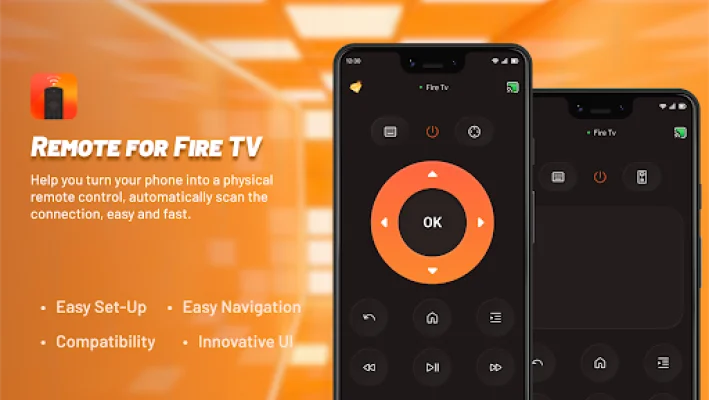
Latest Version
1.6.1
September 30, 2024
Dynamic Remote
Tools
Android
0
Free
com.ldyt.fire.remote
Report a Problem
More About Remote Control For FireTV
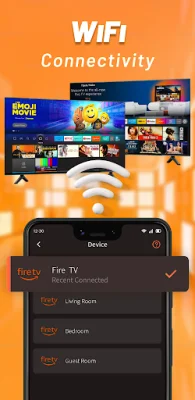
Simply connect your Android mobile device and your Fire TV, Fire Stick, Fire TV Cube, or Fire TV Box to the same Wi-Fi network. Then, input the PIN code from your Fire TV, Fire Stick, Fire TV Cube, or Fire TV Box onto your Android mobile device and confirm the pairing. You can then control it from anywhere in your home using your mobile device. 🔒📶
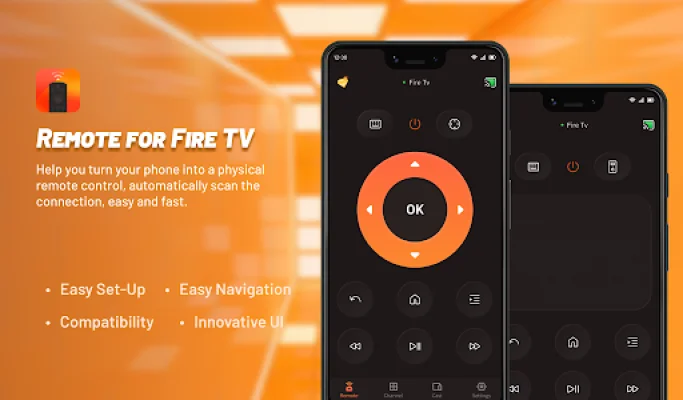
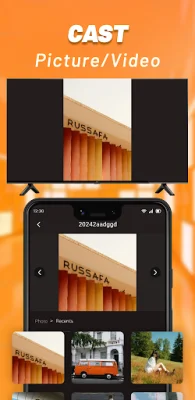
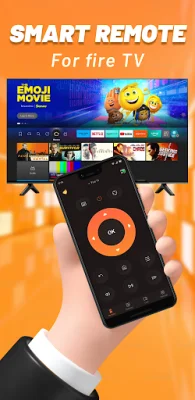
Remote Control For Fire TV is a powerful and convenient app that turns your Android phone into a smart remote control for your Fire TV, Fire Stick, Fire TV Cube, or Fire TV Box. With this app, you can easily navigate TV shows, adjust volume, power on/off your TV, and more. It also allows you to cast videos and photos from your phone to your TV, making it easy to share joyful moments with your family and friends. 📺🔊💡
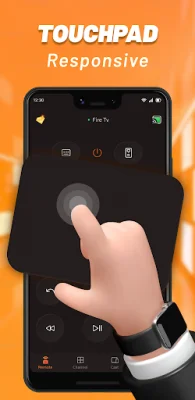
The app features a simple one-click intelligent connection, so there is no need for complicated setup. You can immediately start controlling your Fire TV and other Amazon TV devices. It also provides real touch feedback, making it easy to master every operational detail. Plus, with keyboard input support, you can quickly search for the content you want, saving you time. ⌨️🔍
One of the best features of Remote Control For Fire TV is the ability to quickly access your favorite channels and apps on your Fire TV, Fire Stick, Fire TV Cube, or Fire TV Box. This makes it easy to switch between different apps and channels without having to use multiple remotes. 📺🚀
To achieve the best screen mirroring experience, you can also download the Screen Mirroring Receiver for Fire TV & Stick from the Amazon Appstore on your Fire TV, Fire Stick, Fire TV Cube, Fire TV Box, or other Amazon TV devices. This will allow you to easily mirror your phone's screen onto your TV. 🔍📥
To get started, make sure that your Android device and your Fire TV, Fire Stick, Fire TV Cube, or Fire TV Box are connected to the same Wi-Fi network. Then, simply tap to connect the devices and enter the PIN code from your Fire TV onto your mobile device. Once successfully matched, you can begin your TV remote control journey. 🛤️
Some frequently asked questions about the app include the fact that it can only be connected when your Android device and your Fire TV, Fire Stick, Fire TV Cube, or Fire TV Box are on the same Wi-Fi network. This is important to keep in mind when using the app. ❓
It is also important to note that this application is not an official product of Amazon or its affiliated entities. This means that it is not endorsed or supported by Amazon. 📝
If you have any further questions or concerns, you can contact the app's customer service team at [email protected]. For more information about the app, you can also visit their website at https://ldyt.online. 📧🌐
Rate the App










Popular Apps









