
Remote Control For LG TV
1.2.0 by Dynamic Remote (0 Reviews) October 05, 2024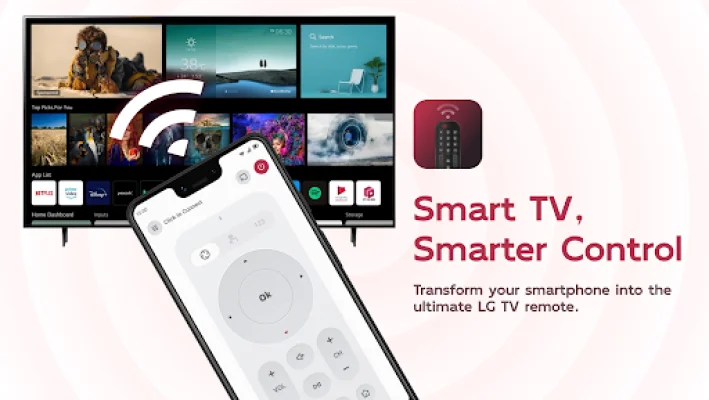

Latest Version
1.2.0
October 05, 2024
Dynamic Remote
Tools
Android
0
Free
ldyt.tvremote.lg.control
Report a Problem
More About Remote Control For LG TV
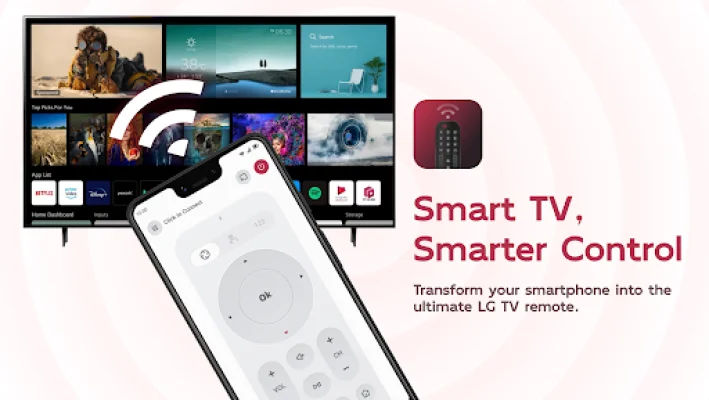
This application is designed to serve as a remote control for LG TVs, both old and new models. It offers several special features to enhance the user's viewing experience. One of its main features is its universal compatibility, allowing it to connect effortlessly to all LG TV models. This means that users do not have to worry about compatibility issues when using the app with their TV.
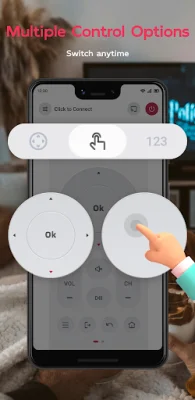
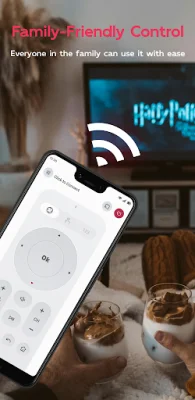
The app also offers an intuitive channel and volume control, making it easy for users to change channels and adjust the volume with just a few taps. It also has a power on/off function, allowing users to instantly turn their LG TV on or off directly from their phone. This eliminates the need for a separate remote control and adds convenience for the user.
In addition, the app has a smart touch keyboard that enables users to type and search quickly. This feature is especially useful for searching for specific channels or content on the TV. The app also has a favorite channels shortcut, allowing users to swiftly access their favorite channels for uninterrupted viewing pleasure.
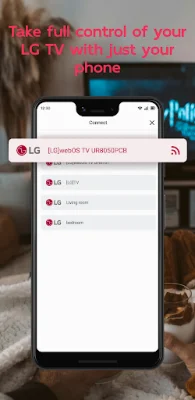
To use the app, users need to ensure that their LG TV device and their phone are connected to the same WiFi network. Once connected, they can open the app and tap the connect button or any button on the app interface. The app will automatically search for the LG device and once it is found, users can select it and tap connect to establish a connection.
In case of any troubleshooting issues, the app can only function properly when both the LG TV device and the phone with the app installed are connected to the same WiFi network. If there are any connection issues or other problems, users can try reinstalling the app, which usually resolves the issue. It is also recommended to stay updated with app updates to ensure the best experience.
It is important to note that this app is not affiliated with LG or its brands and is not an official product of LG. It is an independent app designed to enhance the user's TV viewing experience. For any inquiries or concerns, users can contact the app's customer service through email or visit their website for more information.
Rate the App







Popular Apps









