
Remote Gear for Roku
1.2 by Appestry (0 Reviews) November 20, 2025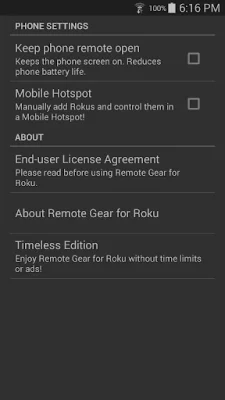
Latest Version
1.2
November 20, 2025
Appestry
Tools
Android
0
Free
com.appestry.roku_remote_gear
Report a Problem
More About Remote Gear for Roku
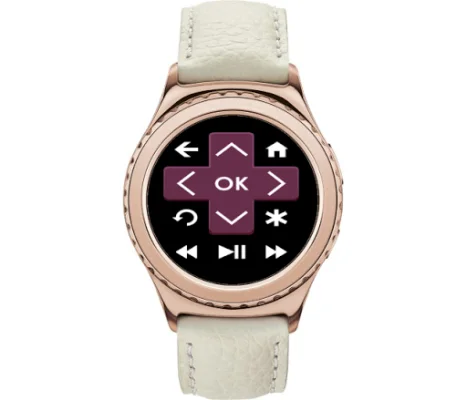
This application is designed to allow users to control their Roku devices from their phone and smartwatch. In order to ensure that the watch app functions properly even when the phone is turned off, it is important to disable battery optimization for two specific apps - "Samsung Accessory Service" and "Remote Gear for Roku" - in the Android Settings.
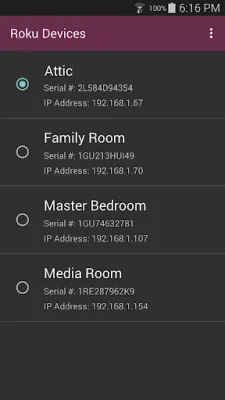
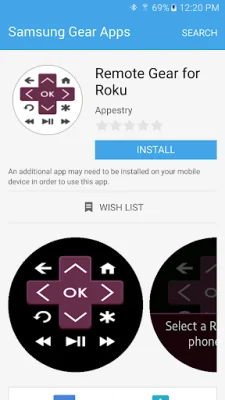
In order to get started with this app, users must first install the Remote Gear watch app on their Samsung Gear S2 or newer smartwatch using the Samsung Gear app. They must also install the Remote Gear phone app on their phone. Once both apps are installed, the phone must be connected to the same Wi-Fi network as the Roku device. The phone app will then automatically detect all Roku devices on the network, and users can select the specific device they want to control from the devices menu.
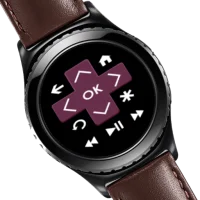
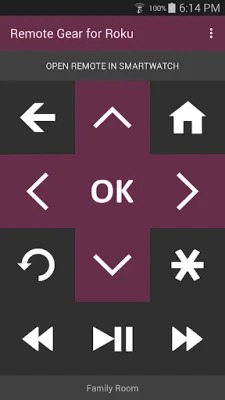
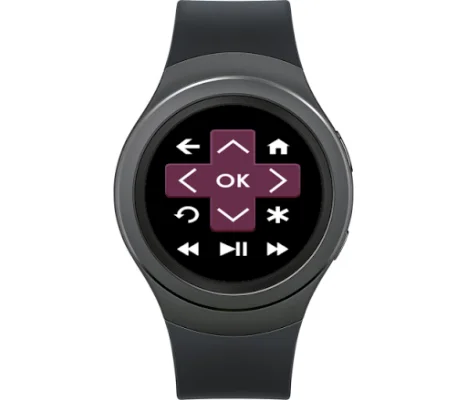
Once the Roku device has been selected, users can use the remote feature on their phone app to control it. Additionally, the watch app can also be used to control the Roku device from the user's wrist.
For those who want to upgrade their experience, there is a Timeless Edition available which allows for unlimited control of Roku devices without any time limits. However, the free version of the app does contain ads and the watch app only offers a 5 minute trial. After the trial period is over, users can simply close the watch app and start a new 5 minute trial.
If users need any assistance or have any questions, they can visit the Help & FAQs page on the app's website. It is important to note that this app is not affiliated with Roku, Inc. and strives to be original and SEO oriented.
Rate the App





Popular Apps









