

Remote Play For PS4/PS5
1.0.0 by Dynamic Remote (0 Reviews) October 04, 2024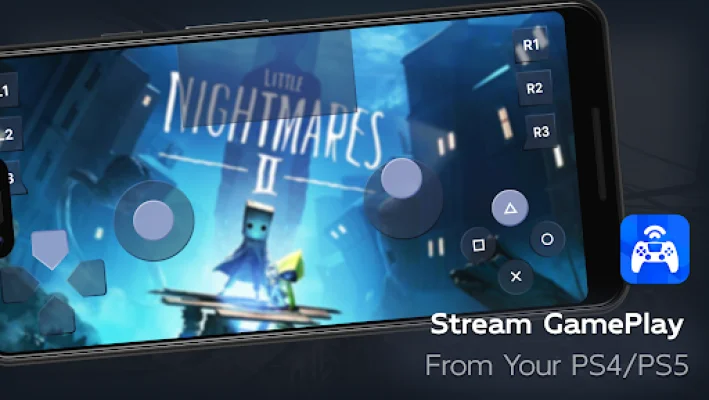

Latest Version
1.0.0
October 04, 2024
Dynamic Remote
Tools
Android
0
Free
com.ldyt.ps4.ps5.remoteplay
Report a Problem
More About Remote Play For PS4/PS5
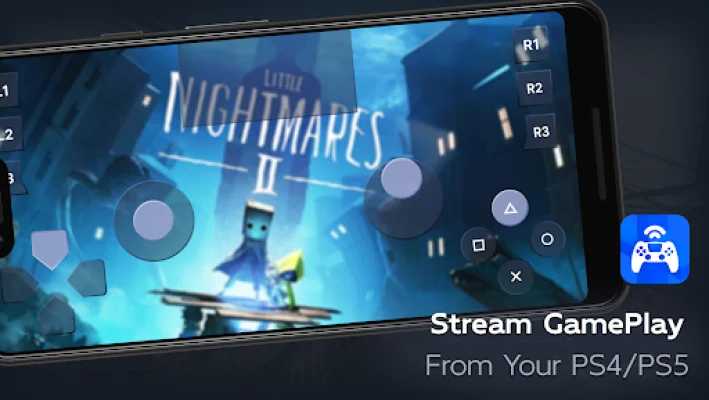
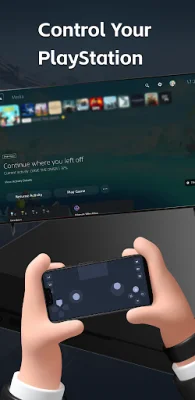
With the advancement of technology, it is now possible to remotely control and enjoy the excitement of gaming on your smart Android devices. This is made possible through the use of Remote Play for PS4/PS5, which allows you to stream PlayStation visuals directly to your phone, eliminating the need for a TV. This means that no matter where you are, you can still have full control over your PlayStation 5 or PlayStation 4 console. All you need to do is connect your PS device and log in to your PS account, and you can experience the full remote playback and control features on your smartphone or tablet. 🌐
One of the main features of Remote Play for PS4/PS5 is the ability to use it as a virtual DualShock controller for PlayStation 5/PlayStation 4. This means that you can use your mobile device as a controller for your PS console, making it more convenient and accessible. Additionally, the streaming from PlayStation 4/PlayStation 5 to your device has ultra-low latency, ensuring a smooth and seamless gaming experience. ⚡
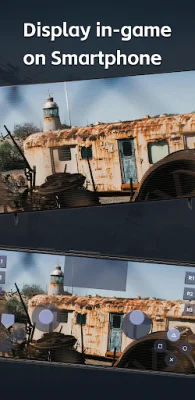
Another useful feature is the ability to use the screen controller on your mobile device as a second screen for PS games. This allows you to control your PlayStation 4 and PlayStation 5, giving you more flexibility and options while playing. The app also supports third-party, DualSense/DualShock, and physical controllers on all Android devices, making it compatible with a wide range of devices. 📲
In order to use Remote Play for PS4/PS5, there are a few simple steps to follow. First, make sure your router is configured to allow remote play. Then, log in to your PlayStation Network account and ensure that your console's system software is up to date. You will also need to connect to a high-speed internet, preferably a home Wi-Fi network, and have a mobile device with Android 7.0 or higher installed. Once these steps are completed, you can use Remote Play for PS4/PS5 as a virtual DualShock controller for PlayStation 4/PlayStation 5. 🎮
This app supports a variety of devices and systems, including Android TV devices, PS4 firmware version 5.05 and above, and the latest system software for PS4/PS5/PlayStation 4/PlayStation 5 consoles. This means that you can use Remote Play for PS4/PS5 to remotely control and play any games that support remote play on these devices. This includes popular titles such as FIFA 21, FIFA 22, God of War, Horizon Forbidden West, GTA V, The Last of Us, and many more. You can also use it as a virtual DualShock game controller for PlayStation 4/PlayStation 5, making it a versatile and useful app for all types of gamers. 🎮
It is important to note that this application is not affiliated with Sony or its subsidiary brands, and it is not an official application of Sony. This means that it is a third-party app created for the convenience of PlayStation users. For any inquiries or concerns, you can contact the developers at [email protected]. And if you want to learn more about the app, you can visit their website at https://ldyt.online. 🚫🎮
Rate the App











Popular Apps









