RemotePC for Windows
by Breadworks (0 Reviews) May 13, 2026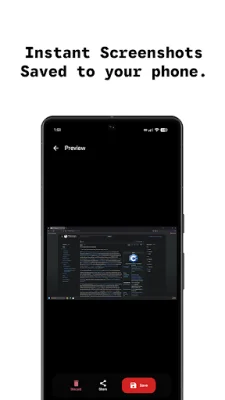
Latest Version
May 13, 2026
Breadworks
Tools
Android
0
Free
com.wheat.remotepc
Report a Problem
More About RemotePC for Windows
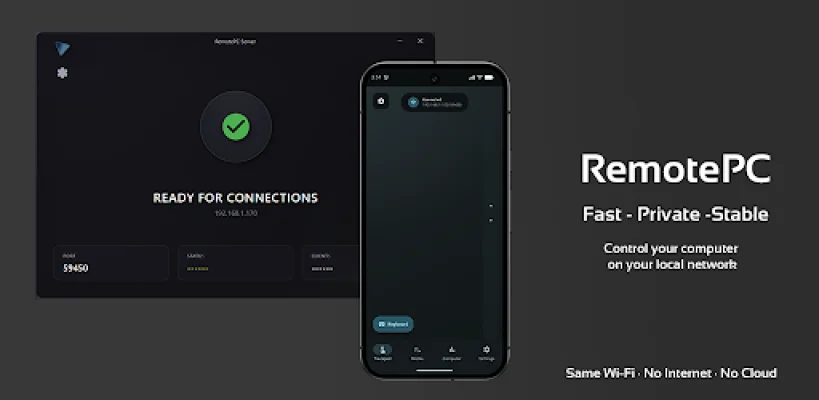
This app allows you to control your Windows PC from your phone, as long as they are connected to the same local network. It is not an internet or cloud-based remote desktop app, so you can enjoy fast and private control without the need for an account. This app is perfect for those who have a Windows PC nearby and want to have seamless control over it using their Android device.
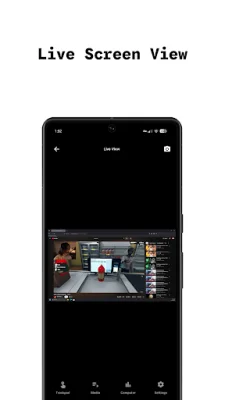
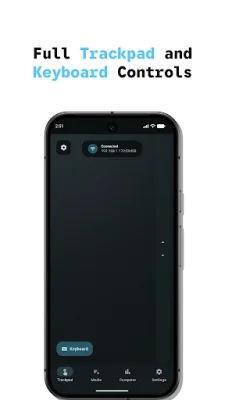
With this app, you can use your phone as a trackpad and keyboard to control your PC with precision and ease. You can also view your PC's screen in real-time for remote monitoring or troubleshooting purposes. Additionally, you can take live screenshots of your PC's screen and save them on your phone or share them with just one press.
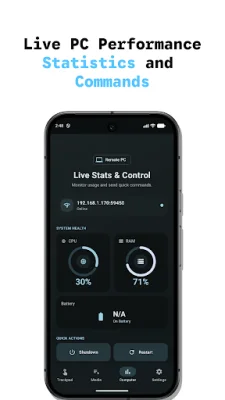
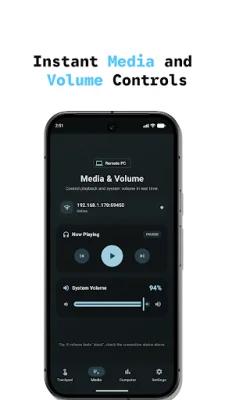
This app also allows you to monitor critical system stats such as CPU, RAM, and battery usage in real-time. You can also transfer files quickly between your devices and control your PC's volume and media playback remotely. Furthermore, you can perform system actions like shutting down, restarting, or locking your PC from your phone.
The app offers an AMOLED theme for a sleek and battery-saving interface, perfect for users who prefer darker themes. It is also available in 10 languages for global accessibility and is secured with an app lock and optional biometric authentication for added security.
To use this app, you need to download the RemotePC for Windows app from remotepc.tech and connect to your local Wi-Fi network. There is no need for cloud-based solutions, and your privacy is ensured. If you encounter any issues or have feedback or suggestions, you can contact the support team at [email protected].
Overall, this app provides a convenient and efficient way to control your Windows PC from your phone without relying on the internet or cloud. Its various features and customizable options make it a great tool for managing your PC remotely. So, if you want to have complete control over your PC without any hassle, give this app a try!
Rate the App




Popular Apps









