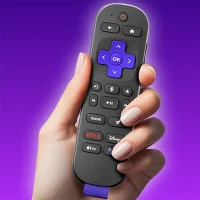
Roku Remote Control & TV Cast
1.6.1 by PrizePool Studios (0 Reviews) October 31, 2025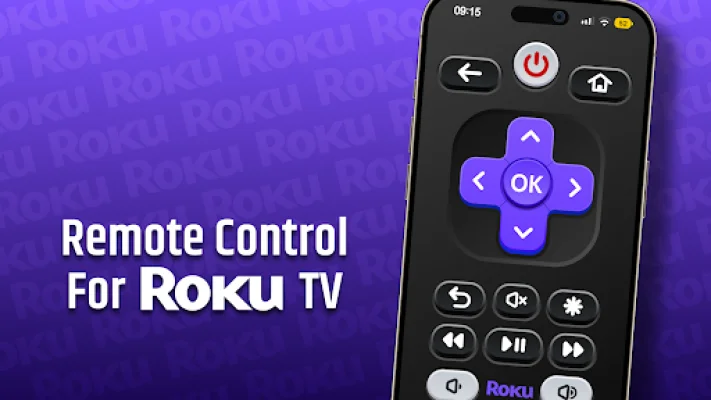
Latest Version
1.6.1
October 31, 2025
PrizePool Studios
Tools
Android
0
Free
com.roku.remote.control.tv
Report a Problem
More About Roku Remote Control & TV Cast
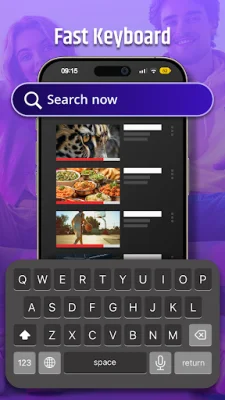
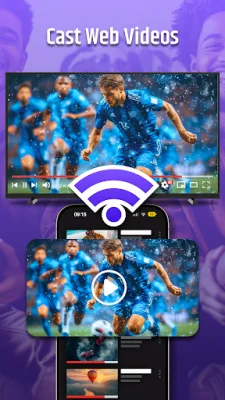
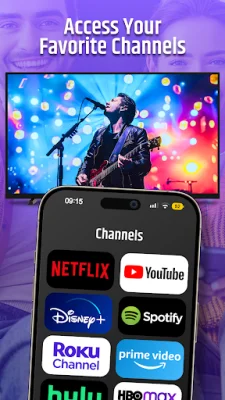
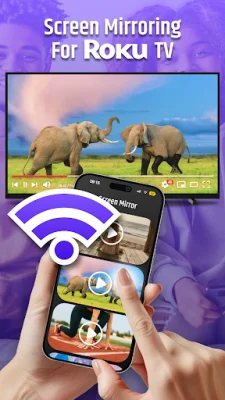
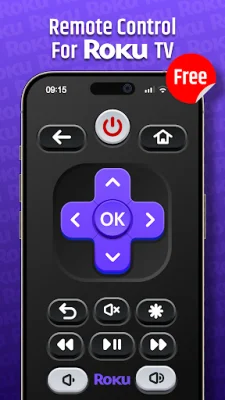
The "Roku Remote Control & TV Cast" app is a convenient and advanced way to control your Roku streaming devices and TV models. With this app, you can access the Channel Store, control your TV's WiFi and IR settings, cast and screen mirror from your phone, and even listen to TV audio through your headphones for a quieter viewing experience. It also features a virtual keyboard for faster typing, quick launch shortcuts for your most-watched channels and apps, and universal compatibility with all Roku devices. Setting up the app is simple and requires both your phone and Roku device to be connected to the same WiFi network. Once connected, you can start controlling your TV without the need for pairing. The app also offers smart features such as touchpad navigation, power on/off, volume control, and voice search support for hands-free control. It also automatically connects to previously paired devices for convenience. In case of any troubleshooting issues, the app provides easy solutions such as ensuring both devices are on the same WiFi network, restarting your Roku device, and regularly updating the app for optimal performance. This app is perfect for both tech enthusiasts and casual viewers, providing complete control over your Roku TV with advanced features that go beyond traditional remotes. However, it is important to note that this app is not affiliated with Roku, Inc. and is not an official Roku product. For support and privacy, the app has a Terms of Use and Privacy Policy available on the developer's website. Download "Roku Remote Control & TV Cast" today and experience the ultimate solution for controlling your Roku TV with Channel Store access and premium casting features.
Rate the App



Popular Apps









