Screen Cast : Easy Screen Mirr
2.7 by Stylish Photo Apps (0 Reviews) September 02, 2024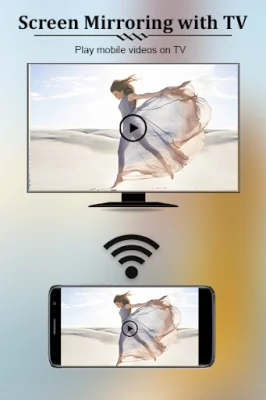

Latest Version
2.7
September 02, 2024
Stylish Photo Apps
Tools
Android
0
Free
makstyle.screenstream
Report a Problem
More About Screen Cast : Easy Screen Mirr
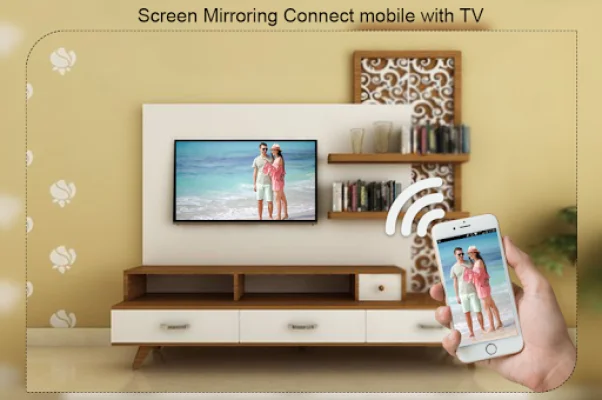
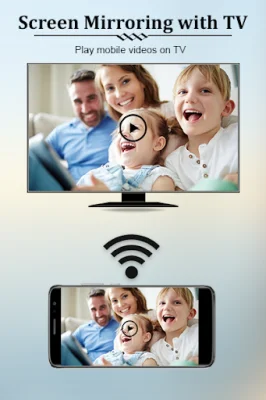
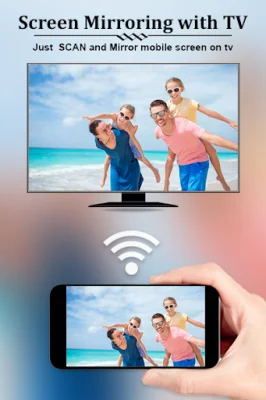
This app is designed to help you easily connect and mirror your Android phone or tablet's screen onto a smart TV or display that is equipped with mira cast technology or wireless dongles or adapters. It also allows you to play various media, such as videos, music, and photos, from your smartphone on any device, including smartphones, smart TVs, laptops, and tablets, no matter where you are.
If you're tired of straining your eyes by constantly looking at your small phone screen, this app offers a solution by providing a larger screen experience through connecting your phone to a TV screen using Screen Cast: Easy Screen Mirroring/Sharing App.
This app is the most powerful tool for mirroring and broadcasting your Android screen and audio in real time. It offers a simple and easy-to-use interface, making it accessible for anyone to use.
To connect your mobile device to your TV, simply follow these steps: make sure both your TV and phone are connected to the same wifi network, enable the Miracast Display on your TV, enable the Wireless Display option on your phone, click the Select button and choose your TV, and enjoy the connection.
The app's key features include the ability to access all your media in one place, change resolution and density, manually adjust the speed of the slideshow, cast videos to TV, and share your screen or display with others. It also allows for the pausing of videos during incoming phone calls, automatically enables Bluetooth and Wi-Fi, and has full integration with Tasker. Additionally, you can stream local files from your phone to your TV, pause and resume the slideshow at any time, and lock the screen orientation to landscape.
It's important to note that for the app to work properly, your connected Android device and TV must be on the same network. The app is not responsible for any issues that may arise on the server side, such as failure to play or buffering, which can occur during peak usage times. It's recommended to use the app during off-peak hours for the best experience.
Rate the App













Popular Apps









