

Screen Cast & Mirror-Smart TV
1.1.21 by TOPEDGE TECH (0 Reviews) August 24, 2024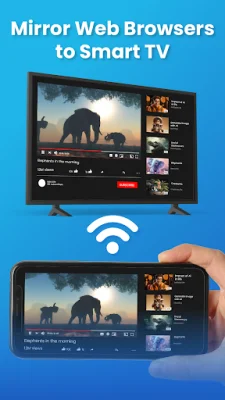

Latest Version
1.1.21
August 24, 2024
TOPEDGE TECH
Tools
Android
0
Free
com.screenmirroring.tvcast.screen.mirror.mirrorcast.tet
Report a Problem
More About Screen Cast & Mirror-Smart TV
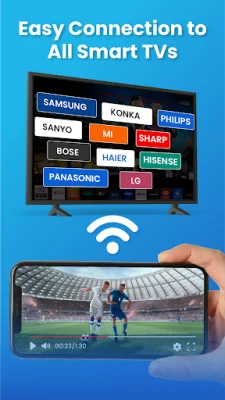
The Mirror Browser app allows users to easily stream web videos from their mobile device to their TV. With the screen-cast feature, users can connect their mobile device to their TV without the need for wires or any additional hardware. They can also mirror photos and games on their TV using the screen mirroring feature. This app is a blessing for those who want to enjoy their favorite content on a bigger screen without any hassle.
One of the key features of this app is screen mirroring, which allows users to duplicate their phone screen on their TV with just one click. This makes life easier for users as they can easily share their phone screen with others or enjoy their favorite content on a bigger screen. The app also offers real-time audio mirroring, allowing users to mirror audio from their phone to their TV.
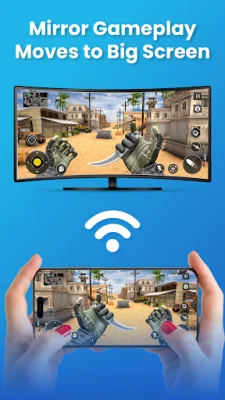
The TV cast feature allows users to cast their favorite social media apps on their TV and continue using their phone for other purposes. They can also mirror games on their Smart TV and enjoy a seamless gaming experience. The photo cast feature allows users to display their phone gallery on their TV while using their phone for other tasks.
The app also offers a browser mirror feature, which allows users to browse any website they want on their TV. They can also stream videos from their phone to their TV, making it a theater-like experience at home. The audio cast feature allows users to cast any audio from their phone to their TV, while the screen share feature allows them to share their favorite moments with multiple devices.
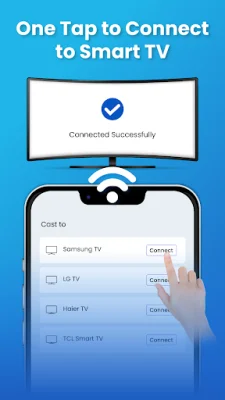
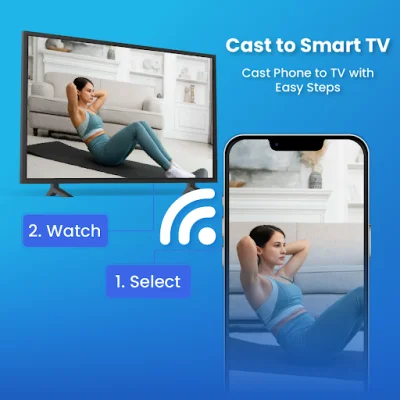
To use this app, users must ensure that their phone and smart TV are connected to the same WIFI network. They can then enable wireless display for screen mirroring and select the device they want to connect to. The app is easy to use and offers a variety of features that can be accessed with just a few simple steps. It also uses foreground service for media playback in the cast and mirror features, ensuring a fast and stable experience.
Rate the App















Popular Apps









