
Screen Cast -View Mobile on PC
6.7 by Deskshare, Inc (0 Reviews) October 09, 2024

Latest Version
6.7
October 09, 2024
Deskshare, Inc
Tools
Android
0
Free
com.screencast
Report a Problem
More About Screen Cast -View Mobile on PC
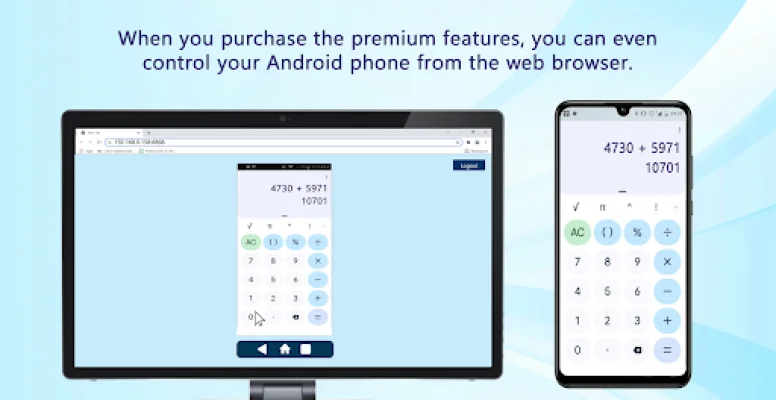
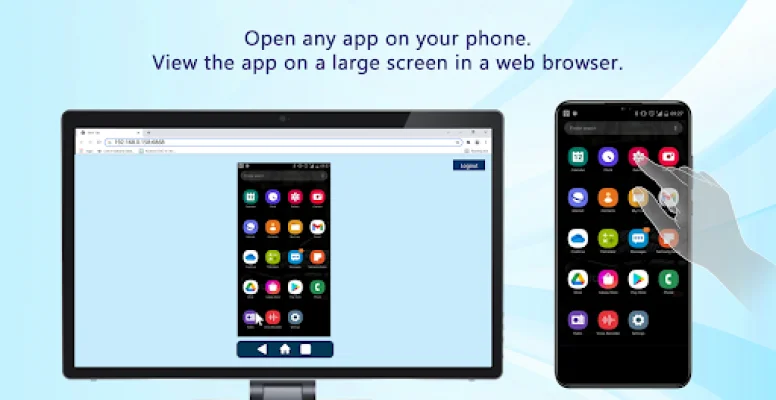
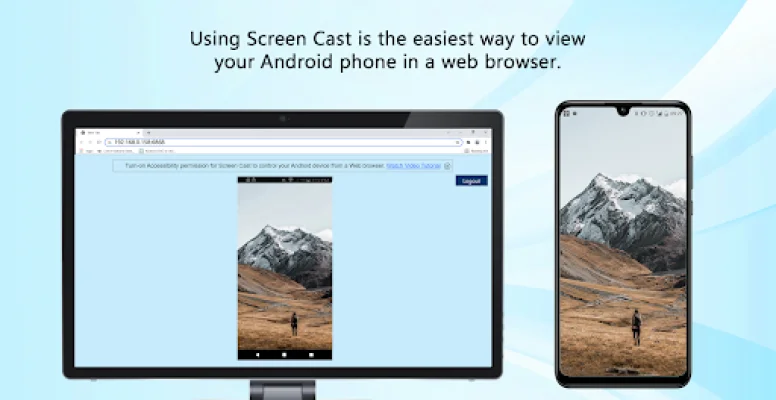
Screen Cast is a versatile application that allows users to easily demonstrate presentations, showcase new concepts or features, display videos and pictures, and much more. With the ability to connect multiple devices at once, it offers a convenient way for viewers to watch simultaneously. For added security, users can also set a password for connections and change it directly from the broadcasting screen. Additionally, the app now offers a remote control feature, allowing users to control their phone or tablet from a web browser. Please note that the Accessibility permission is required for this feature.
One of the great things about Screen Cast is its compatibility with various devices and browsers. It works with any desktop, TV, or mobile browser that supports MJPEG, including popular options like Google Chrome, Mozilla Firefox, Safari, Opera Mini, Dolphin, and Internet Explorer 11.
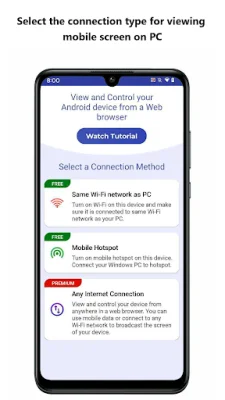
Some key features of Screen Cast include the ability to connect multiple devices and view the screen simultaneously, the option to choose between Wi-Fi, mobile hotspot, or mobile data for connecting with a PC, and the ability to record the mobile screen along with the PC using My Screen Recorder. Users can also set a password to prevent unauthorized viewing and control when their phone's screen stays on during broadcasting.
In addition to its functionality, Screen Cast also offers convenience with its support for multiple languages, including German, French, Spanish, Portuguese, and Italian. However, please note that audio is not supported by the app.
If you need assistance with Screen Cast, the app has a support forum available for users. You can also stay connected with the latest updates and news by following Deskshare on Facebook or visiting their website. If you have any technical questions or concerns, you can also contact their support team through their website.
Rate the App













Popular Apps









