Screen Mirror For Roku TV
by Smart Remotes And Screen Cast (0 Reviews) May 13, 2026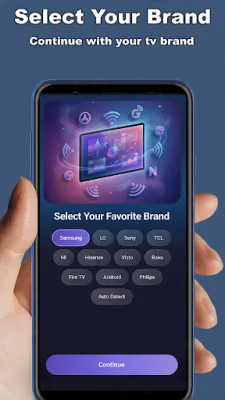
Latest Version
May 13, 2026
Smart Remotes And Screen Cast
Tools
Android
0
Free
com.rokucast.screenmirroring.smartview.fortcltv
Report a Problem
More About Screen Mirror For Roku TV
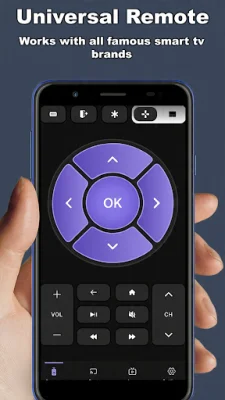
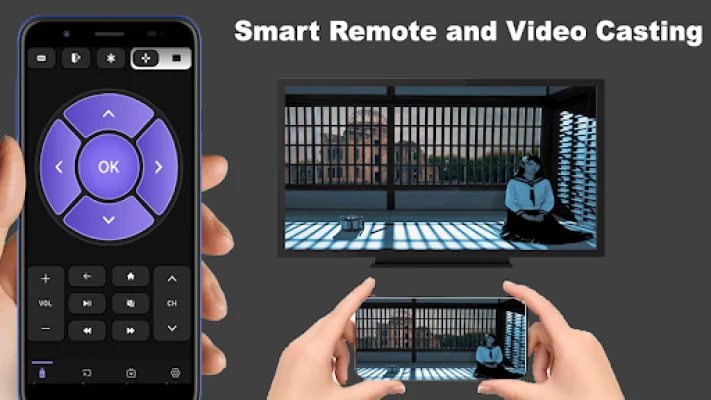
Roku Remote Control is an application that allows users to control their Smart TV using a built-in remote controller. This app offers various features such as volume control, channel selection, navigation, main menu access, and source selection. It also includes additional features like video and photo casting, universal remote capabilities, and screen mirroring.
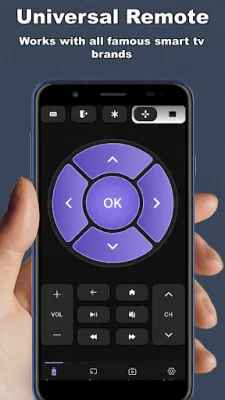
The main feature of this app is the ability to control a Smart TV using a remote controller. This allows users to easily adjust the volume, change channels, navigate through menus, and select different sources without having to use the physical remote that comes with the TV. This can be especially useful for those who have lost their remote or prefer to use their phone or tablet as a remote.
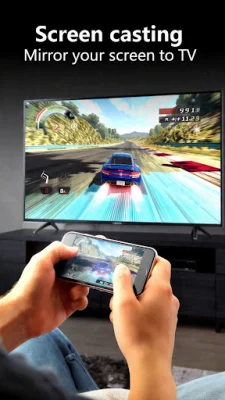
In addition to the basic remote control functions, this app also offers video and photo casting. This means that users can stream videos and photos from their phone or tablet directly to their TV. This is a convenient way to share media with friends and family or to simply enjoy content on a larger screen.
Another useful feature of this app is the universal remote capability. This means that users can control multiple Roku devices with just one app. This eliminates the need to have separate remotes for each device, making it easier to switch between different Roku devices.
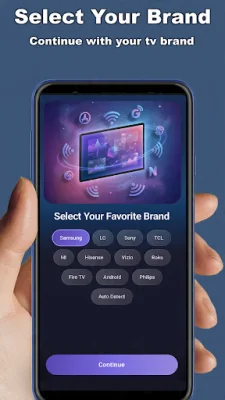
To use this app, users must first connect their TV and phone or tablet to the same Wi-Fi network. Once connected, they can open the app and select their target device to connect. Once connected, users can control their Roku devices with a user-friendly app interface. It should be noted that this app is not affiliated with Roku, Inc. and is not an official product of the company.
Rate the App
Popular Apps









