

Screen Mirroring
1.8.9 by HMI Apps (0 Reviews) October 24, 2024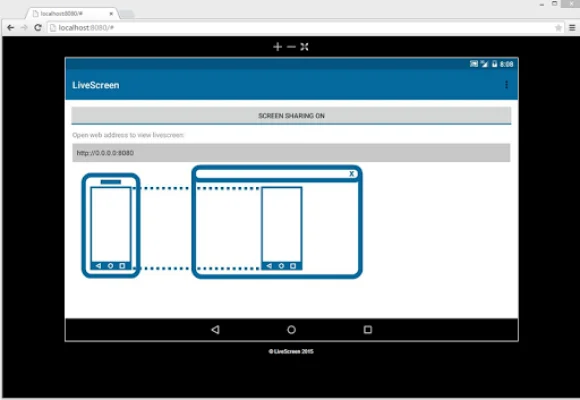
Latest Version
1.8.9
October 24, 2024
HMI Apps
Tools
Android
0
Free
com.livescreenapp.free
Report a Problem
More About Screen Mirroring
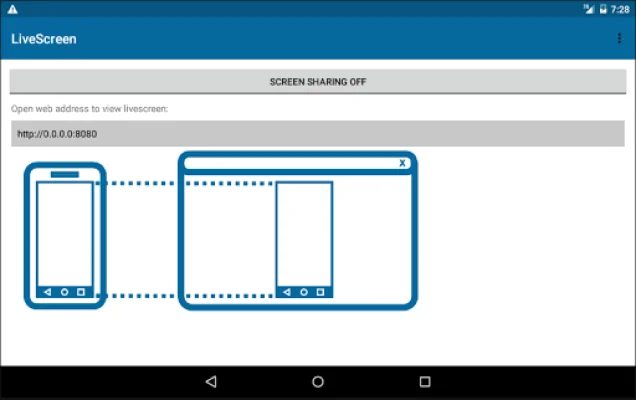
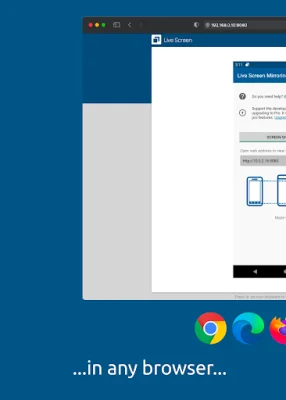
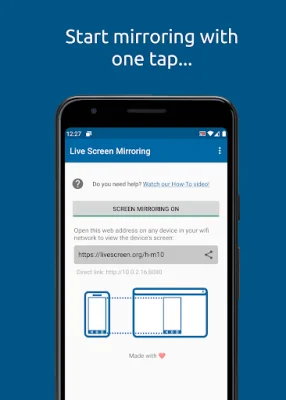
Live Screen is a convenient application that allows you to mirror your device's screen over WiFi and access it from any other device on your WiFi network. This means that you can easily share your screen with others without the need for any additional software on their end. All you have to do is open the app on your android device, start the screen mirroring process, and open the displayed URL in your browser. It's that simple! This app is perfect for situations where you need a second screen, such as giving a presentation or sharing photos with your family. With Live Screen, you can easily display your phone's screen on a larger device for others to see. Before using Live Screen, please note that your Android device and the device you want to mirror to must be connected to the same WiFi network or through your phone's hotspot. Additionally, only the screen will be mirrored, not the audio signals from your device. Live Screen is compatible with popular browsers like Google Chrome, Apple Safari, Firefox, and Samsung Smart TVs. However, the screen mirroring delay may vary depending on the processing power of your Android device and the speed of your WiFi connection. For the best results, make sure your WiFi connection is strong and your phone has a powerful processor. Please keep in mind that screen mirroring may not be supported by all Android devices and versions. If you encounter any issues or have any questions or feedback, you can easily reach out to the app's developers via email. To use Live Screen, your Android device must have at least Android 5.0. The app is free to use with ads, but you can upgrade to the pro version for an ad-free experience. The free version will display ads at the beginning and end of each screen mirroring session. If you want to disable ads and unlock pro features, simply click on "Upgrade to Pro." With Live Screen, sharing your screen has never been easier and more convenient.
Rate the App















Popular Apps









