Screen Mirroring for FireTV
by Nozomi Lab (0 Reviews) November 24, 2025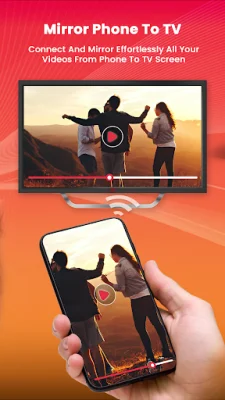
Latest Version
November 24, 2025
Nozomi Lab
Tools
Android
0
Free
com.screenmirror.firetvapp
Report a Problem
More About Screen Mirroring for FireTV
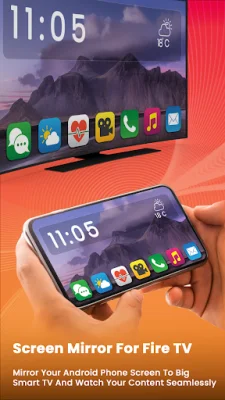
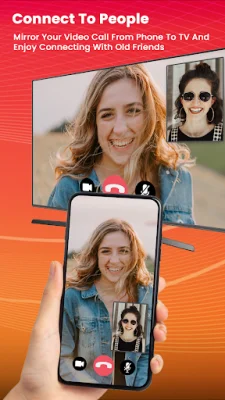
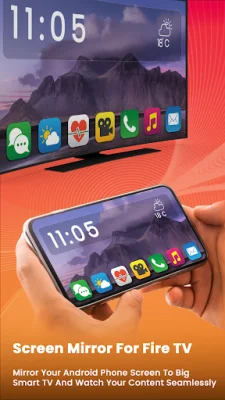
If you're looking for a user-friendly and immersive solution for screen mirroring, then the Fire TV Screen Mirroring application is the perfect choice for you. With its clean and easy-to-use interface, this app benefits millions of customers worldwide. It allows you to connect your phone to your TV and conveniently share your mobile screen with your Fire TV. This is especially useful for reading documents or viewing texts on a larger screen, reducing strain on your eyes.
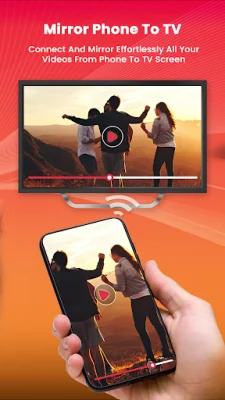
The Miracast screen sharing feature of this app enables you to share your Android phone screen with your TV or other wireless display devices. You can also use it to play videos, music, photos, and documents of your choice on your Fire TV. This makes it a great tool for office presentations, leaving a lasting impression on your audience. Additionally, you can use it to read your favorite books on a bigger screen, providing a full HD and smart view experience with clear and larger text.
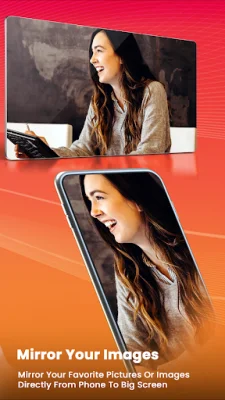
If you're a gamer, this app is perfect for you as well. By mirroring your phone screen to your TV, you can enjoy a full view of your game on a bigger screen, enhancing your overall gaming experience. You can also use it to relive and share old memories by mirroring photos and videos from your phone gallery to your TV.
The Fire TV Screen Mirroring app offers a variety of features, including a user-friendly and clean UI, simple and fast connection, one-tap screen mirroring, easy streaming and mirroring directly from your phone, support for 4k screen mirroring, and the ability to mirror documents to your TV. It also provides a seamless viewing experience for movies and applications, and you can even double-tap on your phone to zoom or rotate the screen for a larger TV screen view. This app supports all Fire TV models and versions, as well as Google Chromecast.
Supported streaming devices for this app include Google Chromecast, Amazon Fire TV Stick 4K, Amazon Fire TV Stick 4K Max, Amazon Fire TV version 5.0 and up, Amazon Fire TV Cube, Insignia Fire TV, and Toshiba Fire TV. It's important to note that this is not an official Fire TV application and is not affiliated with any of the mentioned trademarks. It was not created or endorsed by Amazon. With its user-friendly interface, fast connection, and improved gaming experience, the Fire TV Screen Mirroring app is a must-have for anyone looking to mirror their phone to their TV.
Rate the App

Popular Apps









