
Screen Mirroring Sony Bravia
by AllShare apps (0 Reviews) October 30, 2025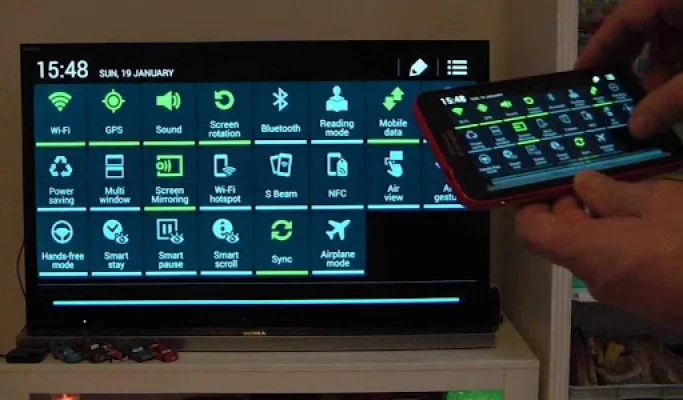
Latest Version
October 30, 2025
AllShare apps
Tools
Android
0
Free
screen.mirroring.sony.barvia.miracast.airplay
Report a Problem
More About Screen Mirroring Sony Bravia
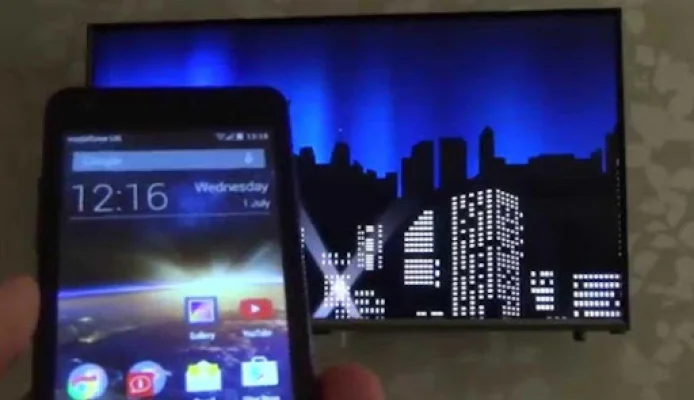
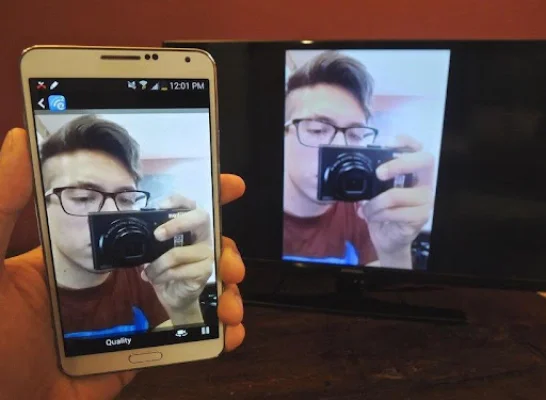
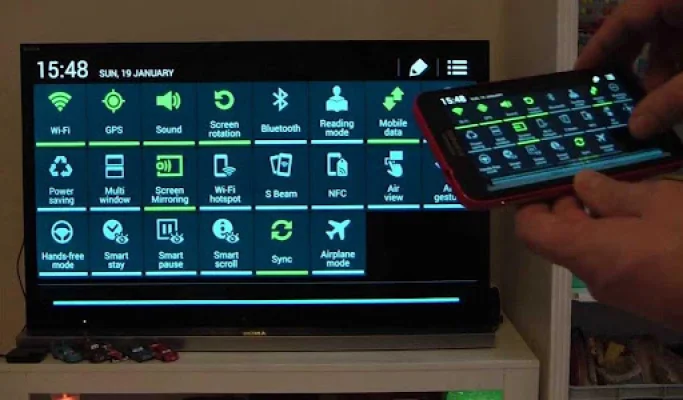
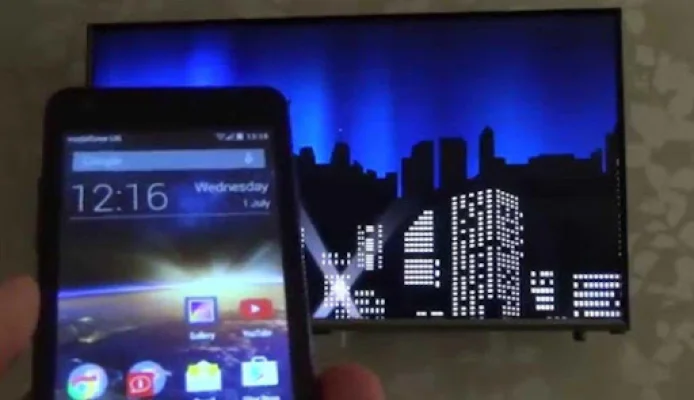
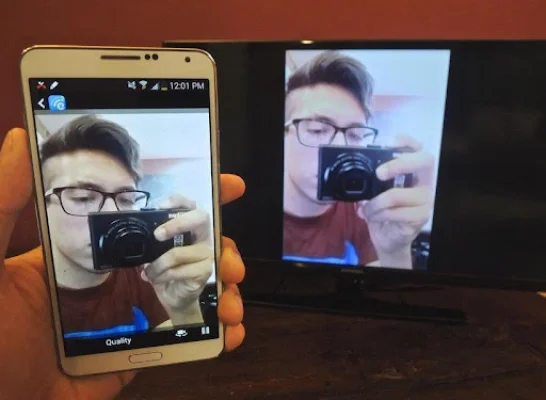
Sony TV Screen Mirroring is an application that allows you to mirror your Android phone or tablet's screen onto a smart TV or display that is equipped with mira cast technology or wireless dongles and adapters. This app is compatible with various smart TV brands such as Samsung, LG, Panasonic, Toshiba, and Roku, and does not require a Wi-Fi connection. It also supports streaming videos and TV shows.
The All Screen Mirroring App for Android is a helpful tool for screencasting and displaying your smartphone's screen on a larger screen. It features a widget and shortcut for easy access and is designed with presentations in mind, offering low latency and high framerate streaming. It also does not require any extra dongles or cables, as it utilizes the mobile hotspot function.
The Allcast Screen Mirroring app is capable of playing various types of content and sending the screen as is, including HDMI, MHL, Miracast, and Chromecast. It has been tested on most Android devices and is compatible with Sony Bravia TVs.
Some of the features of this app include screen mirroring, a screen mirroring assistant, mirror screen, wireless display, Miracast allshare, and the ability to mirror your screen to a Samsung Smart TV. It also allows for mirroring from a laptop and is compatible with Android TV.
To use the Screen Mirroring for Sony Bravia app, you must have a TV that supports Wireless Display or Display Dongles, and it must be connected to the same Wi-Fi network as your phone. Your phone must also be running Android 4.2 or above. This app provides a convenient shortcut and widget for using the Miracast feature on your phone. It is a useful tool for playing games, videos, music, and photos on a larger screen from any device.
Rate the App







Popular Apps









