
Screen Mirroring TV - Miracast
1.5.4 by Theta App Studios (0 Reviews) October 04, 2024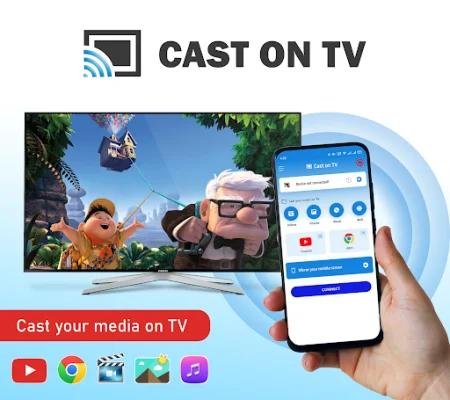

Latest Version
1.5.4
October 04, 2024
Theta App Studios
Tools
Android
0
Free
com.tas.tv.cast
Report a Problem
More About Screen Mirroring TV - Miracast
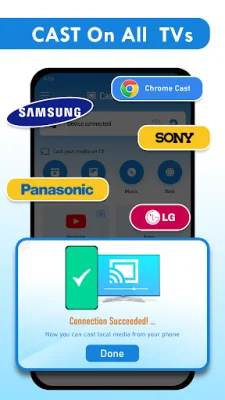
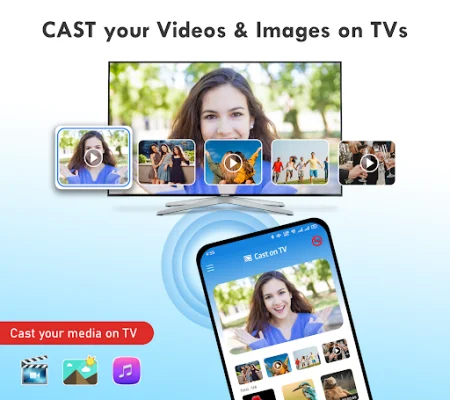
The Screen Mirroring App is a convenient and easy-to-use tool that allows you to mirror your smartphone screen onto your TV. This means you can access your games, photos, videos, and other cast to TV apps on a larger display. With this app, you can connect your phone to various devices such as Chromecast, Firestick, Roku stick, or Anycast, and enjoy a more immersive screen sharing experience.
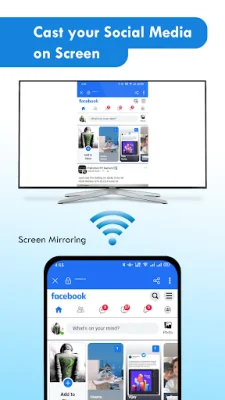
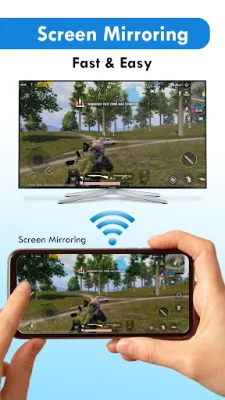
Screen Mirroring is a useful technique for showing off photos, playing games, or giving demonstrations on a larger display. The Screen Mirroring App duplicates your Android phone's screen on your TV, making it easy to connect your phone or tablet to your TV with mirror cast.
The app ensures a secure connection to protect your data, files, and applications. It is also free to use and offers unlimited streaming and screen share capabilities. This makes it one of the best screen share apps for Android users, allowing you to stream movies, music, and photos to your TV.
The Screen Mirroring App is perfect for streaming movies, videos, and accessing photos and apps on the TV screen. To use the mirror cast feature, your smartphone or tablet must be connected to the same WIFI network as your TV. Simply follow the easy steps for screen sharing to connect your phone to mirror cast to TV and start streaming.
If you're tired of searching for the best screen share app to cast your small screen to a larger one, the Screen Mirroring App is the most user-friendly option. It supports all Android devices and versions, and our team is always available to assist with any issues or feature requests related to screen sharing.
The app offers a user-friendly interface for easy screen sharing, fast real-time connectivity to nearby devices, and even supports video conferencing for remote collaboration and communication. It also has a profile-based interface, allowing you to enable or disable different profiles for different types of displays. Additionally, you can browse the web on your TV and show desktop sites in Chrome for a more immersive mirror cast browsing experience. The app also supports slide show presentations, making it a useful tool for business or educational purposes. And with multilingual support in over 20 languages, users can control the app in the language of their choice.
In conclusion, the Screen Mirroring App is a versatile and convenient tool for mirroring your Android device's screen onto your TV. With its various features and user-friendly interface, it is the perfect app for streaming media, sharing photos and videos, and even conducting video conferences. So why wait? Download the app now and enjoy a more immersive screen sharing experience with your friends and family!
Rate the App










Popular Apps









