
Simple Alarm Clock
3.10.10 by Yuriy Kulikov (0 Reviews) August 26, 2024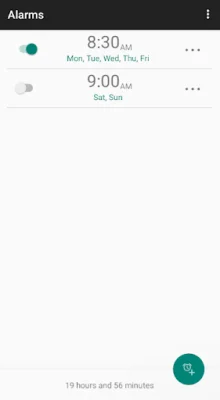
Latest Version
3.10.10
August 26, 2024
Yuriy Kulikov
Tools
Android
0
Free
com.better.alarm
Report a Problem
More About Simple Alarm Clock
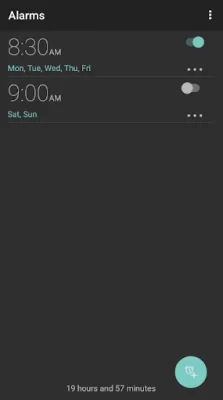
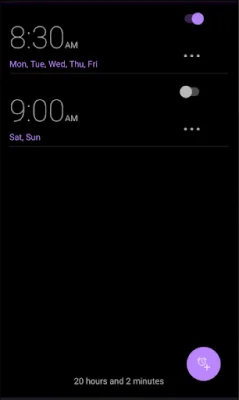
The Alarm Clock application is designed to be user-friendly and efficient. The interface is simple and intuitive, making it easy to access all the necessary features without any unnecessary clutter. This allows for a smooth and hassle-free experience for the user.
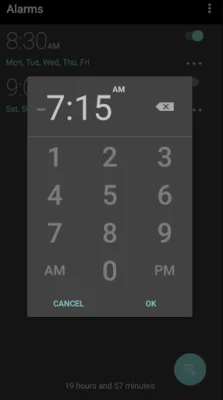
The app offers a variety of features to customize your alarms. You can set any number of alarms, whether they are recurring or one-time alarms. The time can be entered quickly using a phone-style keyboard, making it convenient for users. Additionally, you can choose the interface colors and size to your liking, allowing for a personalized experience.
The app also has configurable fade-in times, meaning the volume of the alarm will start low and gradually increase. This can be helpful for those who prefer a gentler wake-up experience. Another unique feature is the ability to enable a gentle alarm, which will wake you up during a light sleep phase for a more natural awakening.
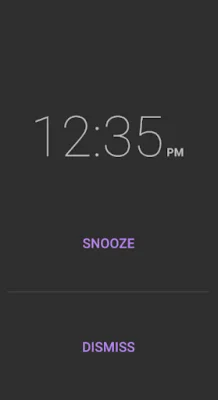
If you happen to wake up early and don't need your upcoming alarms, you can easily skip them for the day. This feature is perfect for those days when you want to sleep in a little longer.
One of the best things about this app is that it is completely ad-free. You won't have to deal with any annoying pop-ups or distractions while using the app.
If you have any questions or suggestions for the app, the developers are open to feedback. You can submit bug reports or feature requests by sending an email to the developers. Additionally, the app is open source, so any additional features or improvements are always welcome.
If you want to customize your alarm sounds, you can use an external MP3 cutter application to install your desired sound. And if you want more options for ringtones, you can install a third-party ringtone application.
Rate the App















Popular Apps









