

Smart Family Companion
8.64.3 by Verizon Consumer Group (0 Reviews) October 01, 2024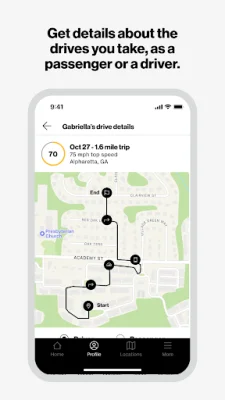
Latest Version
8.64.3
October 01, 2024
Verizon Consumer Group
Tools
Android
0
Free
com.verizon.familybase.companion
Report a Problem
More About Smart Family Companion
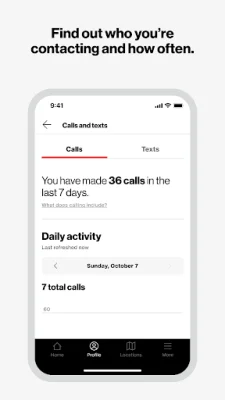
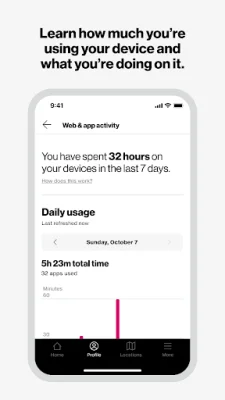
Our Companion app is designed to help parents monitor and manage their child's screen time. It can be downloaded onto a smartphone or Android tablet and paired with the Parent app. This allows parents to gain insight into how their child is using their device.
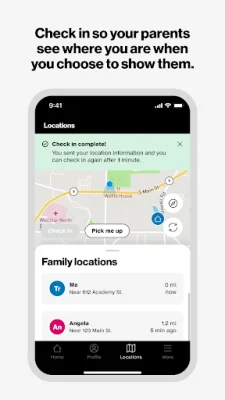
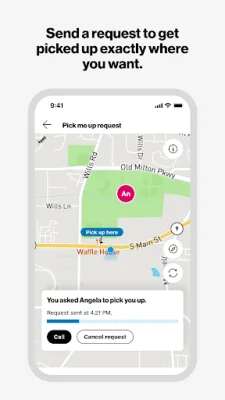
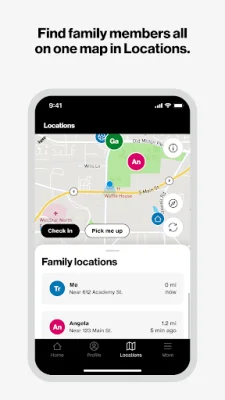
By selecting the Premium option, parents can unlock additional features such as a map that allows them to check in on their child's location, request to be picked up, and locate other family members.
Once the child's device is paired with the Verizon Smart Family companion app, the parent app can be used to set up parental controls. However, it's important to note that iPads are not currently supported.
If the parent is enrolled in Smart Family Premium, they can also monitor their child's location and driving history, whether they are the driver or a passenger.
The app has a simple and user-friendly interface, making it easy for parents to navigate and use. It also utilizes Accessibility services to support parental control features. This means that parents can block their child's access to certain websites and prevent them from disabling other parental control features.
Rate the App















Popular Apps









