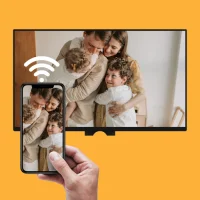
Smart View - Wireless Display
4.0 by Moonbow Apps (0 Reviews) October 09, 2024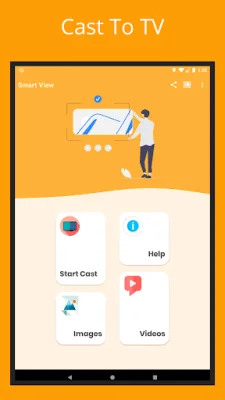


Latest Version
4.0
October 09, 2024
Moonbow Apps
Tools
Android
0
Free
com.smartshare.smartview
Report a Problem
More About Smart View - Wireless Display
This app allows you to connect your Android device to your Samsung smart TV, as well as other TV brands like Sony, LG, TCL, Hisense, Vizio, and more. You can also cast to other streaming devices such as Chromecast, Roku, Fire TV, and Xbox.
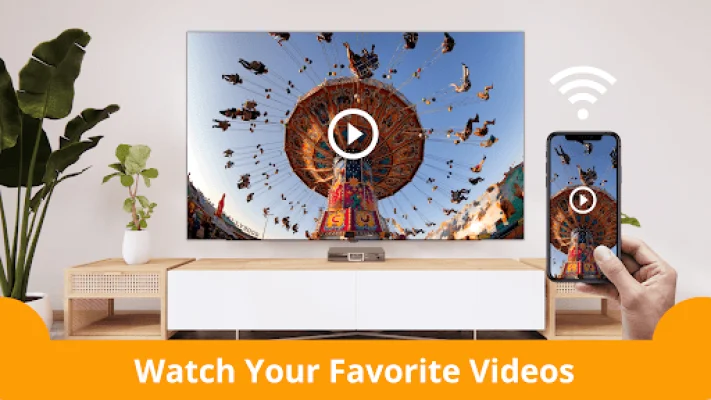
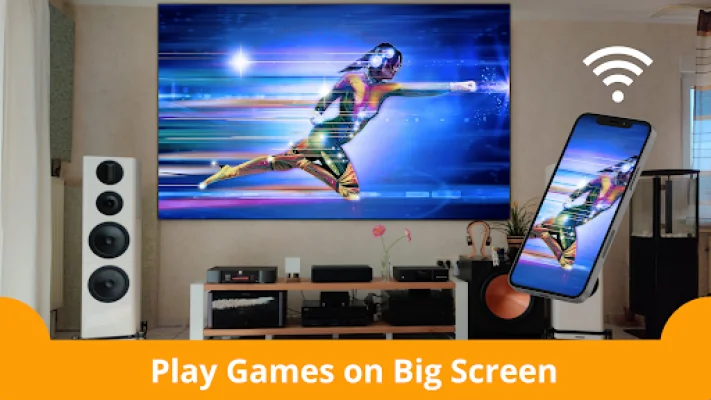
Some of the key features of this app include wireless screen mirroring and casting to your TV, support for various technologies like Samsung Allshare, Smart View, and Allcast, the ability to cast videos and photos to your TV, and the option to stream movies and games on the big screen in full HD 1080p resolution. The best part is that you don't need any extra cables or dongles to use this app.
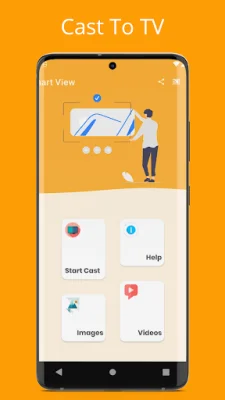
To use this app, you need to make sure that your TV and phone are connected to the same Wi-Fi network. Your TV should also support a Wireless Display or any type of Display Dongles. Once you have everything set up, simply download and launch the Smart View for Samsung - Cast to TV, Screen Mirroring app on your phone. From there, you can click "Cast Screen" and your phone's screen will be mirrored on your TV.
This app is known for its stable screen mirroring and casting features, making it a reliable choice for streaming content from your phone to your TV. It has an easy-to-use interface and is compatible with Android 4.2 and above. However, it's important to note that this app is not affiliated with any of the trademarks mentioned in its description.
If you encounter any issues while using this app, you can contact the developers at [email protected] for assistance. They are dedicated to solving any problems that users may face and ensuring a positive experience with the app. Give it a try and enjoy streaming your favorite content on the big screen with ease!
Rate the App











Popular Apps









