
TP-Link Omada
4.17.10 by TP-LINK GLOBAL INC. (0 Reviews) July 30, 2024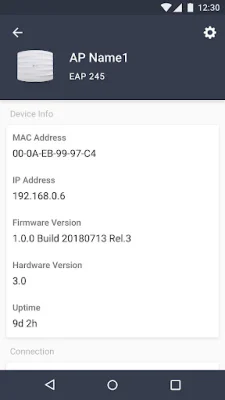
Latest Version
4.17.10
July 30, 2024
TP-LINK GLOBAL INC.
Tools
Android
0
Free
com.tplink.omada
Report a Problem
More About TP-Link Omada
Standalone mode is a feature of the Omada app that allows for easy management of EAPs or wireless routers without the need for a controller. This mode is ideal for smaller networks with only a few devices and basic needs, such as a home network. Each device is managed separately, making it a quick and simple solution for immediate use.
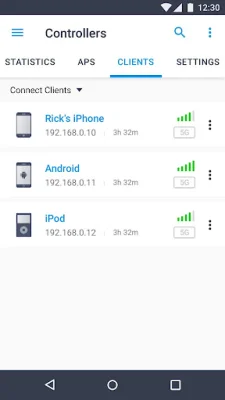
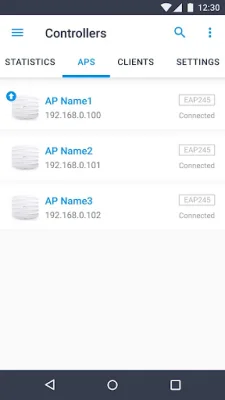
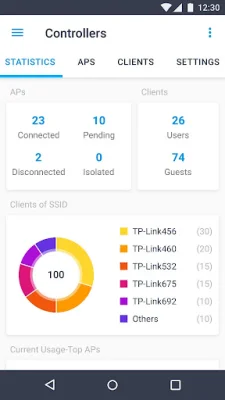
On the other hand, Controller mode is designed for larger networks with multiple devices, including gateways, switches, and EAPs. It can be used with either a software Omada Controller or a hardware Cloud Controller. This mode offers more configuration options and the ability to centrally manage and synchronize settings across all devices in the network. It is recommended for those who require more advanced features and stability.
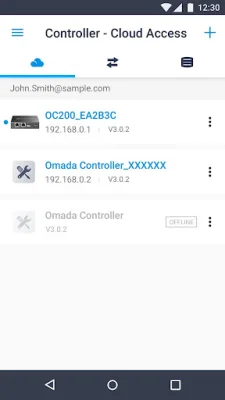
There are two ways to manage devices in Controller mode: Local Access and Cloud Access. In Local Access mode, the Omada app can manage devices when the Controller and mobile device are on the same subnet. In Cloud Access mode, the app can access the Controller over the internet, allowing for remote management from anywhere.
The Omada app is compatible with various hardware and software versions. For Controller mode, it supports hardware cloud controllers (OC200 V1, OC300 V1) and software Omada Controller v3.0.2 and above. For Standalone mode, it supports models such as EAP245, EAP225, EAP115, EAP110, EAP225-Outdoor, EAP110-Outdoor, EAP115-Wall, EAP225-Wall, ER706W, and ER706W-4G. It is important to note that the latest firmware is required for compatibility and can be downloaded from the TP-Link website.
As the Omada app continues to evolve, more devices will be supported in the future. This makes it a versatile and convenient tool for managing networks of all sizes. For the best experience, it is recommended to upgrade to the latest version of the controller for access to more features and stable services. With the Omada app, managing your network has never been easier.
Rate the App















Popular Apps









