TV Remote - Universal Control
1.2.7 by GAM Mobile App (0 Reviews) August 26, 2024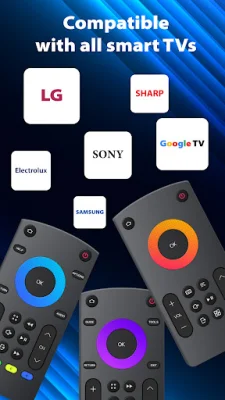
Latest Version
1.2.7
August 26, 2024
GAM Mobile App
Tools
Android
0
Free
com.tools.remotetv2.airemote
Report a Problem
More About TV Remote - Universal Control
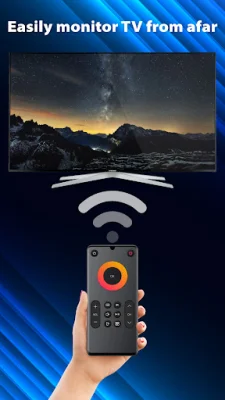
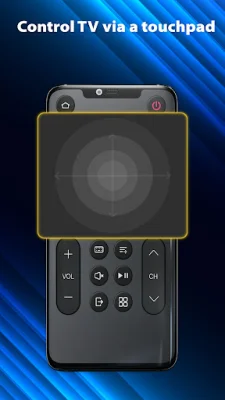
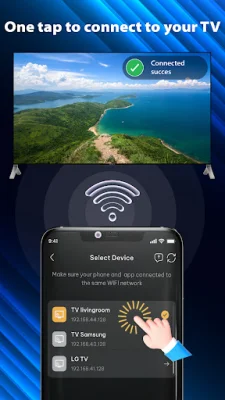
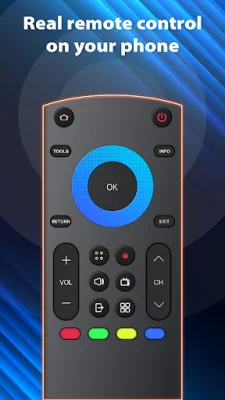
Are you tired of constantly searching for your TV remote or dealing with complicated controls? Look no further than the Universal TV Remote app! This app allows you to use your phone as a remote control for your smart TV, making your TV viewing experience more convenient and hassle-free. With the Universal TV Remote app, you can easily connect your phone to your smart TV via Wifi and control it with just a few taps. This app offers a variety of features, including the ability to switch between channels, adjust the volume, and access the smart features of your TV. Say goodbye to lost remotes and constantly replacing batteries! The app has a user-friendly interface and is compatible with most smart TV brands, so you don't have to worry about compatibility issues or juggling multiple remotes. It also has a variety of buttons, including a power button, numeric buttons, volume adjust and mute buttons, and navigation buttons, to make controlling your TV a breeze. So why do you need a smart TV remote app? There are many situations where this app can come in handy, such as when you can't find your physical remote or it's not working properly, or when you want to use your phone as a touchpad or keyboard for your TV. It's also a great way to access the smart features of your TV without any hassle. Using the Universal TV Remote app is simple. Just make sure your phone and TV are connected to the same Wifi network, open the app, and tap the icon to connect your phone to the TV. You may need to enter a pairing code that appears on your TV screen. Once connected, you can use your phone as a touchpad, numeric keypad, or to access the menu and settings of your TV. Experience the convenience of the Universal TV Remote app today and make your TV viewing experience more enjoyable. If you have any questions, leave a comment and our team will respond as soon as possible. Thank you for your support!
Rate the App















Popular Apps









