Universal Remote Samsung TV
4.7 by Universal Electric Appliances Remote Control (0 Reviews) November 20, 2025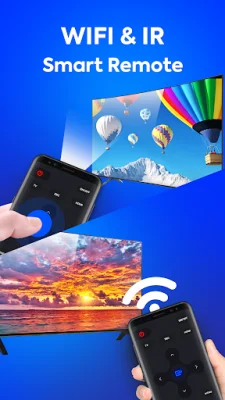
Latest Version
4.7
November 20, 2025
Universal Electric Appliances Remote Control
Tools
Android
0
Free
com.remote.control.tv.universal.pro.sams
Report a Problem
More About Universal Remote Samsung TV
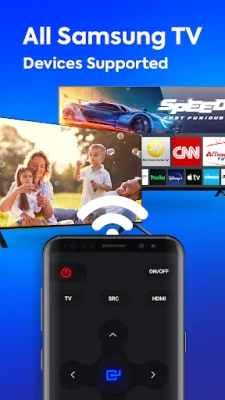
This Samsung TV Remote Control App allows you to use your smartphone as a virtual remote control for your Samsung TV. It is a free app that mimics the layout and functionality of the original Samsung TV remote control. It is compatible with all series of Samsung TVs, including the K-series Tizen TVs and A-J series with IR interface. This app is not affiliated with or endorsed by Samsung or any other developers, and it requires an IR blaster to function.
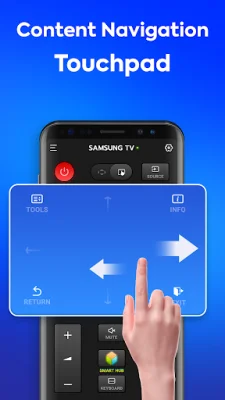
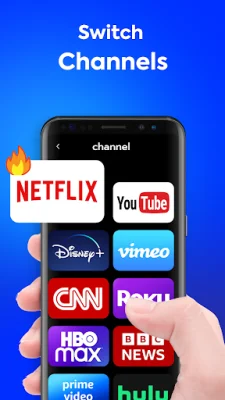
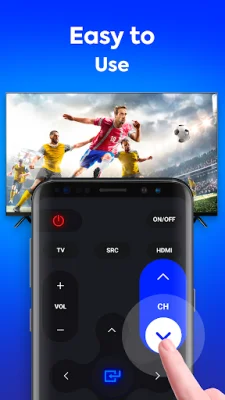
The app is designed to save you time by providing a convenient and easy-to-use remote control for your Samsung TV. It offers a realistic design of the original infrared remote and allows you to access all the same functions as the physical remote. This means you can control your TV's settings, channels, and more, all from your smartphone.
To use the app, simply download it and add the universal TV remote control by clicking "ADD A REMOTE" on the homepage. Then, choose your Samsung TV model from the list or test the remote with the first model. If the TV responds correctly, you can name the remote control as you wish. To use the app, point your phone's IR blaster directly at the TV, just like you would with the physical remote.
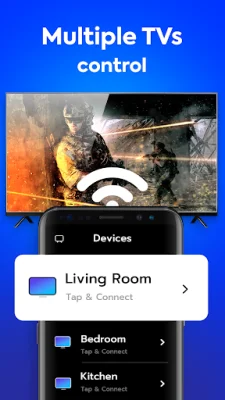
The app also offers additional features such as the ability to add multiple remote controls and switch between them at any time. The last saved remote control will be displayed when you exit the app. Please note that this app is not an official product and is not endorsed by Samsung or any other developers. It requires an IR blaster to function properly, either built-in or external. We strive to provide an original and SEO-oriented app for our users.
In summary, this Samsung TV Remote Control App is a convenient and free way to control your Samsung TV using your smartphone. It offers a realistic design and all the same functions as the original remote, making it a time-saving and user-friendly option. However, please note that it is not affiliated with Samsung or any other developers and requires an IR blaster to function properly.
Rate the App


Popular Apps









