USB Serial Terminal Ultimate
30.1 by The Sun App Developers (0 Reviews) October 25, 2024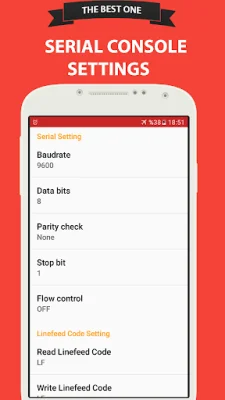
Latest Version
30.1
October 25, 2024
The Sun App Developers
Tools
Android
0
Free
com.moonappdevelopers.usbterminal
Report a Problem
More About USB Serial Terminal Ultimate
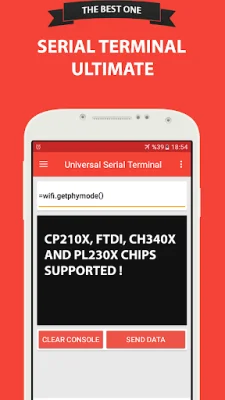
The Ultimate Usb Terminal app is a useful tool for debugging serial communication applications, such as internet of things devices. It supports all popular usb to serial TTL chips, including FTDI, CP210X, CH340X, and PL230X. The app displays all received serial data on the console, making it easy to monitor and troubleshoot communication issues.
One of the key features of this app is the ability to set up all parameters for connecting with a serial chip, such as baud rate, stop bits, flow control, and parity. This allows for a customizable and efficient connection with various devices.
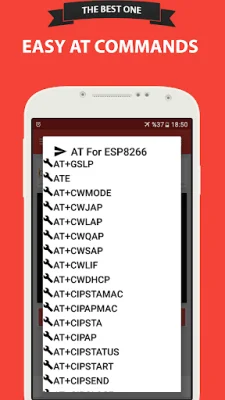
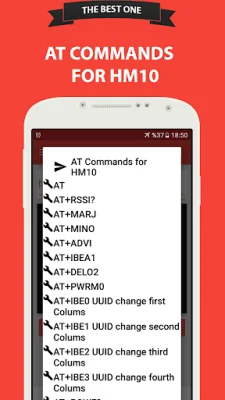
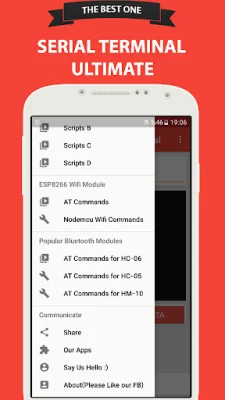
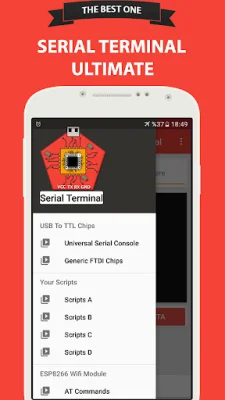
In addition to its debugging capabilities, the app also allows users to save and use scripts for later use on the console. It also includes a collection of AT commands for popular Bluetooth and Wifi chips, such as HM-10, HC-05, HC-06, and Esp8266, making it easy to access and control these devices.
To use the app, a USB-OTG cable is required, and the phone or tablet must support USB-Host Mode. It is important to note that the USB-OTG cable should be shorter than 20cm to avoid voltage drops and potential malfunctions of the serial chips. The battery level of the device must also be above 25% to ensure enough power for the USB host to detect the serial devices.
The app supports a variety of features, including support for CDC-ACM based devices, USB with OTG adapter and USB Bridge chips, FTDI based devices, and more. It also allows for easy export of console logs to CSV and text formats, supports various baud rates, and offers options for data bits, stop bits, and flow control.
The app also includes a FAQ section, addressing common questions such as how to get the most benefit from the app, what to do if a device is not detected, and how to avoid draining too much power from the battery. The app is ad-supported to generate revenue and keep development running, but the developers assure that it will not damage the user's phone in any way.
Rate the App














Popular Apps









