
Video Compressor PRO
by Detective Studio (0 Reviews) October 30, 2025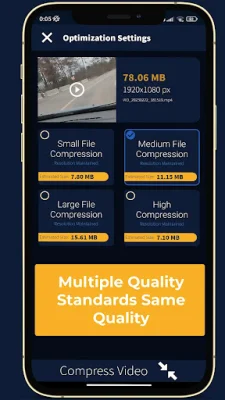


Latest Version
October 30, 2025
Detective Studio
Tools
Android
0
$5.99
video.compress.optimizasyonpro
Report a Problem
More About Video Compressor PRO
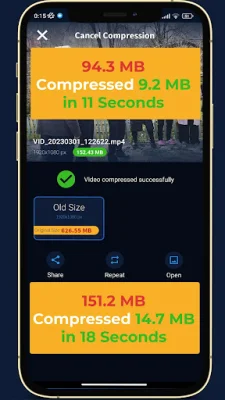
This application, called VideoCompress, is designed to help users compress their videos to reduce their file size. It has been tested on various phone models and over 150 videos, with successful results. The output format for the compressed videos is MP4, which is a popular format.
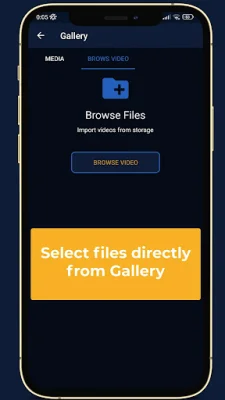
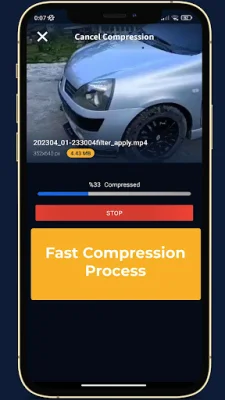
To use the application, users simply need to select a video file and enter the desired size for the compressed video. They can then click the "Compress" button to start the upload process. Once the upload is complete, the application will redirect to a webpage to show the compression results.
Some tips for using the application include making sure the desired video size is not too small compared to the original file, as this may cause the compression to fail. Another way to reduce the file size is by adjusting the video frame width and height using the "Resize Video" option.
The application also offers some options for users, such as setting the desired video size (which cannot be greater than the source file size) and choosing the audio quality (ranging from 32kbps to 128kbps, or no sound). Users can also choose to save space by compressing their videos without audio.
After using VideoCompress to compress their videos, users can easily send them via email or text, upload them to social media channels, save space on their devices, and reduce mobile data usage.
The application supports various video formats, including Mp4, avi, mkv, flv, rmvb, 3gp, mpeg, wmv, and mov.
VideoCompress is powered by a powerful and user-friendly video compression library that uses the MediaCodec API. This library modifies the width, height, and bitrate of the video to reduce its size while maintaining good quality. It is based on the source code of Telegram for Android and aims to be original and SEO-oriented.
Rate the App















Popular Apps









