

Video Converter
0.2.41 by VidSoftLab (0 Reviews) August 26, 2024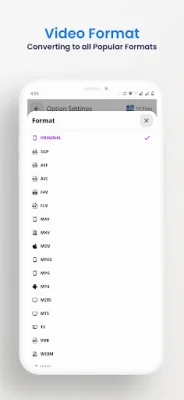
Latest Version
0.2.41
August 26, 2024
VidSoftLab
Tools
Android
0
Free
jaineel.videoconvertor
Report a Problem
More About Video Converter
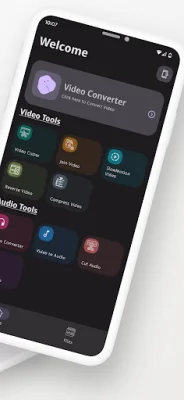
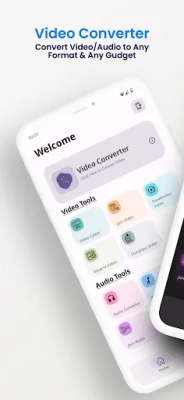
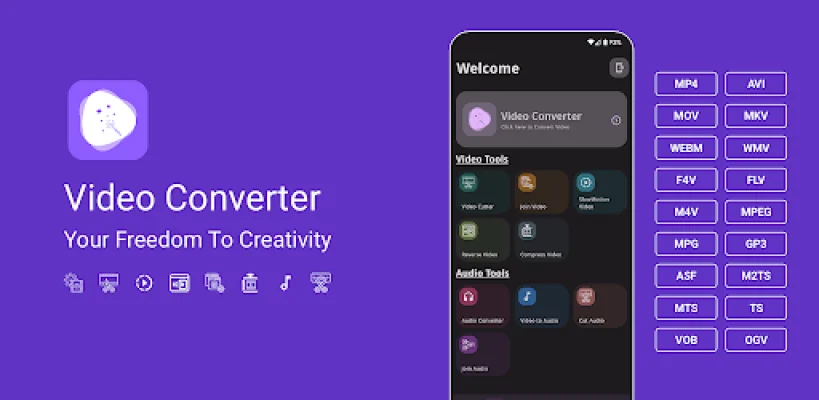
Video Converter is an application for Android devices that offers a variety of useful functions such as video conversion, compression, trimming, merging, and more. It supports a wide range of video formats including MP4, MKV, AVI, and more. Additionally, it also provides video editing features like merging, trimming, reversing, and stabilizing.
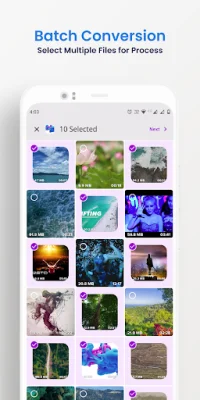
The main features of Video Converter include the ability to convert videos to any format, select multiple files for batch processing, customize resolution and frame rate, and add or replace audio for output videos. It also offers specific converters for MP4, MP3, and DVD formats, as well as the ability to compress videos of any size without compromising quality.
One of the standout features of Video Converter is its support for 4k/8k video conversion and HVAC H265 video codec. It also offers a video to MP3 converter, audio cutter, and supports over 200 Android devices from popular brands like Apple, Samsung, and Google.
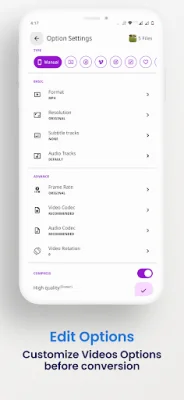
The application has a user-friendly interface and supports over 50 languages. It also includes basic editing functions like slow-motion, trimming, merging, reversing, and more. Advanced settings allow users to specify video and audio bitrate, resolution, and frame rate.
Overall, Vidsoftlab Video Converter is a professional and efficient tool for video conversion, compression, trimming, and merging. It offers super speed conversion and compression, high-quality output, and the ability to share videos on social media. Users can also make suggestions for future updates and improvements.
Rate the App















Popular Apps









