

WiFi File Browser
2.0.21 by Bytes Lounge (0 Reviews) May 04, 2026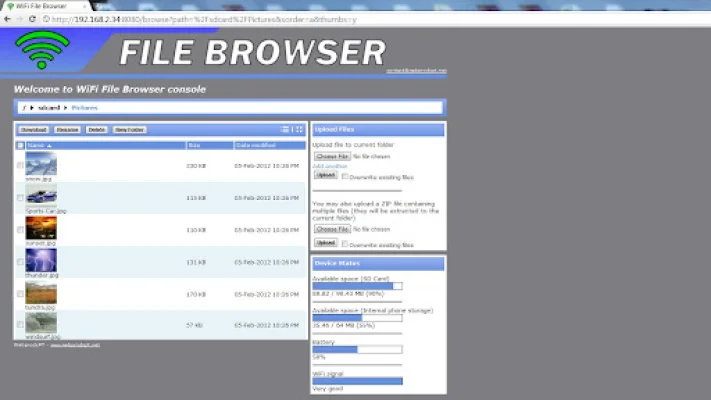
Latest Version
2.0.21
May 04, 2026
Bytes Lounge
Tools
Android
0
Free
pt.webprods.android.file.manager
Report a Problem
More About WiFi File Browser
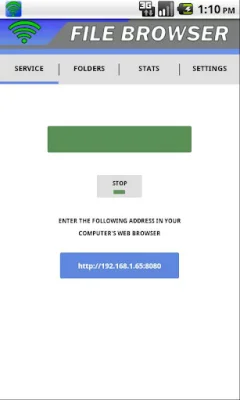
No more USB cables! With WiFi File Browser, you can easily download and upload files to your mobile device using your favorite web browser, without the hassle of a USB cable. The main focus of this application is to provide users with high-speed file transfer capabilities. In fact, many user reviews rave about its speed, making it one of the fastest WiFi file transfer applications available.
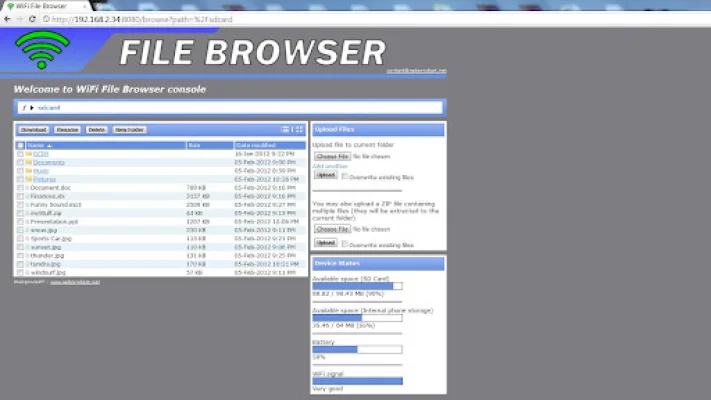
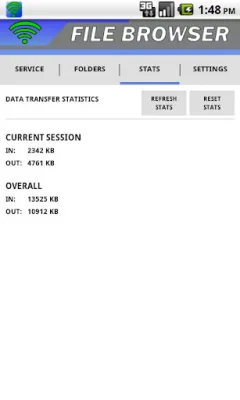
The free version of WiFi File Browser offers a variety of features, including the ability to download and upload multiple files simultaneously, without any size limits. You can also upload compressed ZIP files, which will be automatically decompressed on your device while maintaining the original folder structure. The application also provides data transfer statistics for your current session, as well as the option to browse your mobile device in both details and thumbnails view. You can even open known file types directly in your web browser, such as images, PDFs, documents, and spreadsheets. Additionally, you can manage your SD card, battery level, and WiFi signal strength, and the application runs as a background service for your convenience. It also offers full support for non-English characters and is compatible with all major ZIP applications, including 7-Zip.
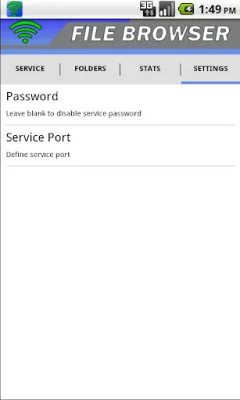
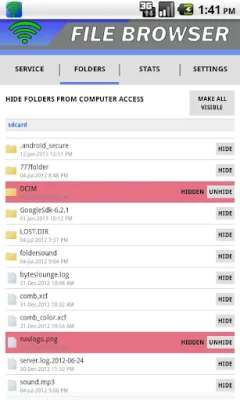
If you upgrade to the Pro version of WiFi File Browser, you'll gain access to even more features. You can hide files and folders from computer WiFi browser access, as well as search for specific files and folders. For added security, you can set a password to protect unauthorized access when using your device on a public WiFi network. The Pro version also includes a home screen widget for easy access to starting and stopping the service, as well as overall data transfer statistics. And best of all, there are no ads to interrupt your file transfer experience.
Purchasing the Pro version not only unlocks these additional features, but it also serves as a way to support the continuous development and improvement of the application. WiFi File Browser has been tested and proven to work with a variety of web browsers, including Internet Explorer 6+, Mozilla Firefox, Google Chrome, Safari, and Opera. So why wait? Try out WiFi File Browser today and experience the convenience and speed of wireless file transfer.
Rate the App















Popular Apps









