

WiFi File Transfer Pro
1.10 by Paul Jack (0 Reviews) September 10, 2024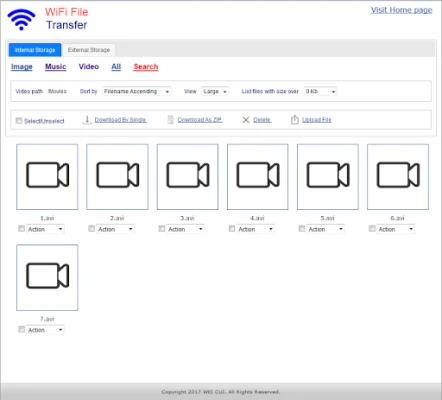
Latest Version
1.10
September 10, 2024
Paul Jack
Tools
Android
0
$2.99
info.dodata.wifi.pro
Report a Problem
More About WiFi File Transfer Pro
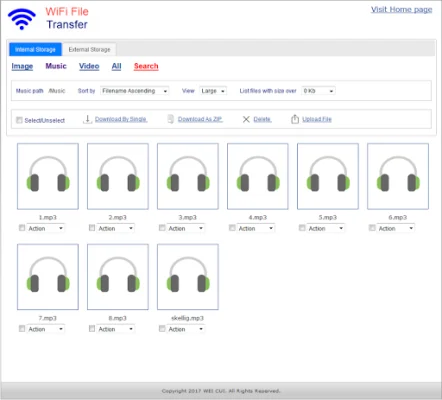
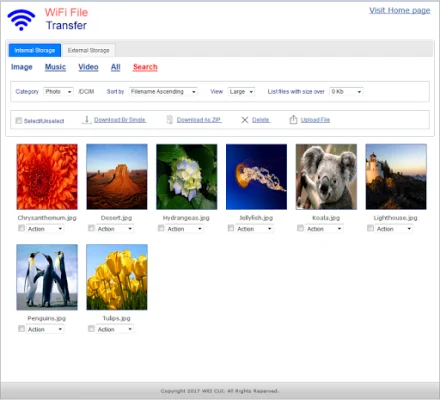
This application allows users to easily manage and transfer files between their computer and phone using any web browser. With the ability to upload or download multiple files at once, users can quickly and efficiently transfer large amounts of data. The built-in file manager interface also allows for easy organization and manipulation of files, such as deleting, renaming, copying, and zipping.
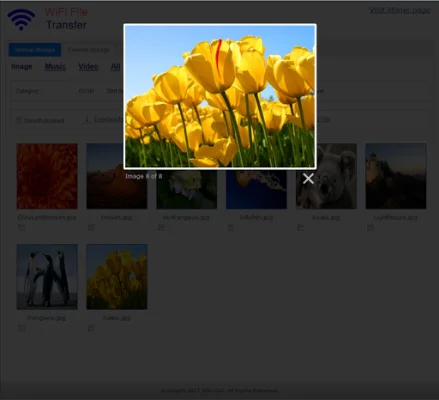
One unique feature of this application is the ability to view photos directly in the web browser, eliminating the need to download them onto the computer first. This makes it convenient for users to quickly access and view their photos without having to go through the extra step of downloading them.
In addition, this application provides access to external storage devices such as SD cards and USB drives, making it easy to transfer files from these devices to the computer or phone. This feature is especially useful for those who frequently use external storage for their files.
One important note to keep in mind is that in order to use this app, the computer and phone must be on the same local area or WLAN network. This ensures a secure and efficient transfer of data between the two devices. It is also recommended to avoid using the app on public WiFi networks in order to protect personal data.
While this app offers many useful features, there are some limitations to the free version. Users will not be able to upload files larger than 3MB, which may be a hindrance for those who frequently transfer large files. However, for basic file management and transfer needs, this app is a convenient and efficient option.
Rate the App















Popular Apps









