

Auto Clicker - Auto Tap
1.3 by Oregon Coast App LLC (0 Reviews) August 27, 2024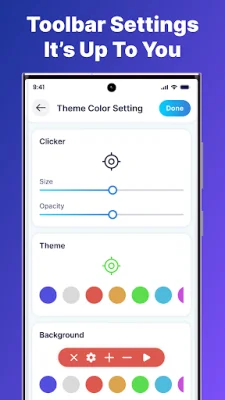
Latest Version
1.3
August 27, 2024
Oregon Coast App LLC
Tools
Android
0
Free
com.autoclicker.tapping.autoclick.tapassistant
Report a Problem
More About Auto Clicker - Auto Tap
The Auto Click application offers a convenient and efficient way to automate various tasks on your device. With this tool, you can easily perform repetitive actions such as playing games, liking social media posts, filling out job content, and even reading books. The possibilities are endless and entirely up to the user's needs and preferences.
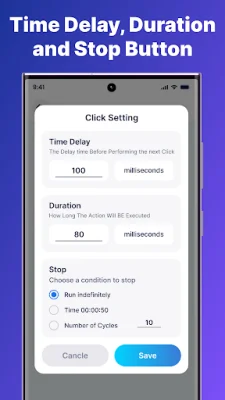
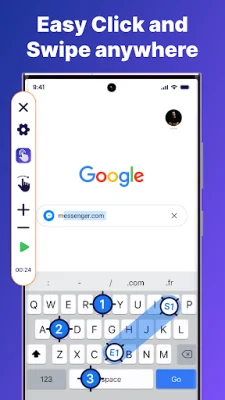
The app allows you to customize your auto clickers and swipes, giving you full control over the automation process. You can set the duration, position, and even the appearance of the click target to match your style. This feature makes it versatile for various tasks, from gaming to social media interactions. It also supports multi-touch automation, allowing you to perform actions at multiple positions simultaneously.
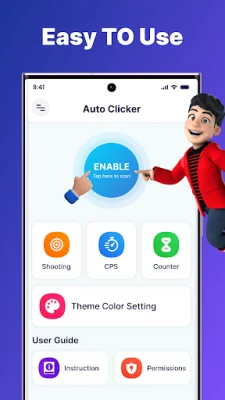
Another useful feature is the delayed timed start, which allows you to set a delay before the tap or swipe automation begins. This gives you full control over the timing of your tasks. Additionally, the shooting test feature allows you to test your settings with precision, ensuring that your clicks and swipes are accurate and effective.
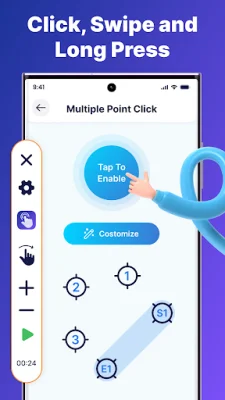
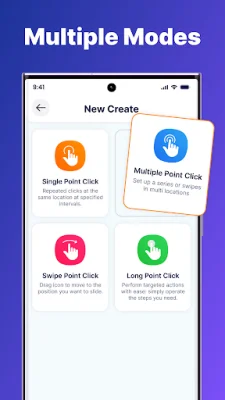
The app also offers transparency adjustment, allowing you to adjust the transparency of floating controls. This ensures that they do not interrupt your view or interfere with other tasks. The Auto Click application offers multiple modes for easy auto clicking, including single point click, multiple point click, swipe point, and long point. Each mode serves a specific purpose, such as executing a series of tapping at multiple locations or performing targeted, sustained actions.
Experience the convenience and efficiency of automatic tap and gesture with Auto Click - Auto Tap. This powerful tool simplifies your tasks, enhances your gaming experience, and saves you time. It requires the Accessibility Services API to implement its core functions, such as performing clicks and swipes. However, the app does not collect or share any personal or sensitive data using these capabilities. Take the first step towards effortless automation with Auto Click.
Rate the App















Popular Apps









