Cast for Chromecast - TV Cast
3.2.3 by Save Status, Video & Image Downloader (0 Reviews) September 02, 2024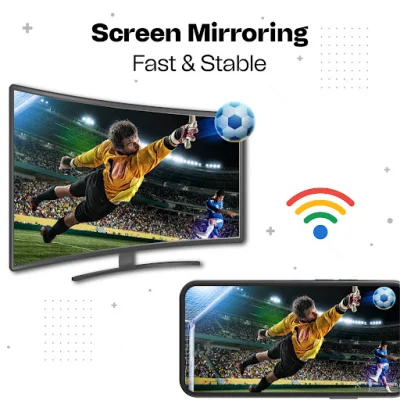

Latest Version
3.2.3
September 02, 2024
Save Status, Video & Image Downloader
Tools
Android
0
Free
screenmirroring.tvcast.smartview.miracast.chromecast
Report a Problem
More About Cast for Chromecast - TV Cast
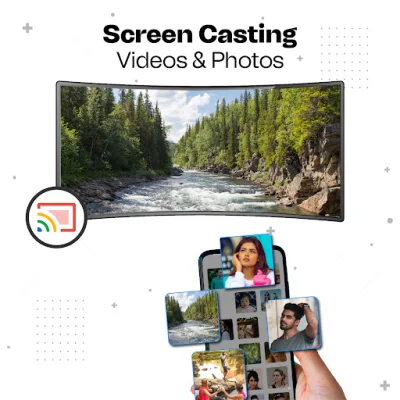
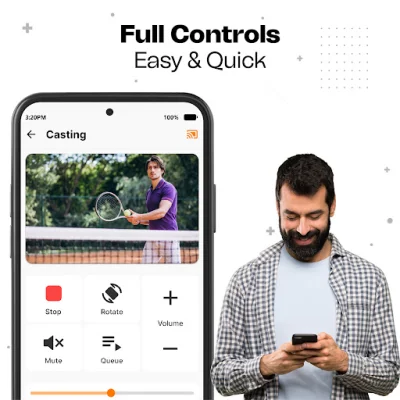
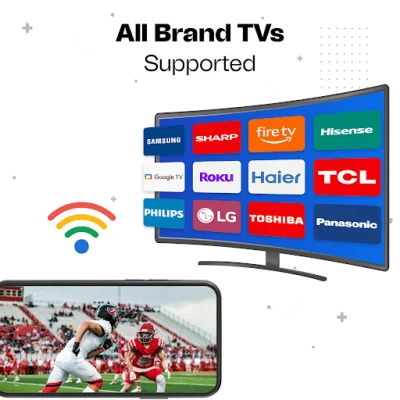
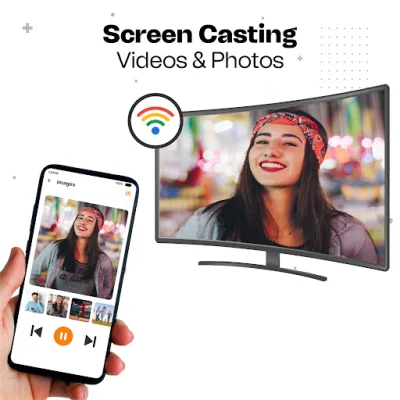
TV Cast is a convenient and user-friendly app that allows you to mirror your phone screen in real-time without any delay. With its easy-to-use interface, you can quickly connect your phone to your TV using the external widget for screen mirroring. This app supports all media files, including videos, photos, and audio, making it easy to screencast your favorite content.
One of the key features of TV Cast is its ability to connect to multiple devices, making it perfect for family gatherings, business meetings, and video conferences. With just one touch, you can cast your phone screen to your TV and enjoy high-resolution streaming. The app also automatically identifies all local media files, making it easy to access and cast your desired content.
Using TV Cast, you can easily connect your smartphone screen to a bigger screen for a seamless screencasting experience. This app also ensures the security of your data, files, and applications, providing a safe and secure connection for your screencasting needs.
To connect your phone to your TV using TV Cast, make sure both devices are connected to the same Wi-Fi network and turn off any VPNs. Then, simply enable the cast display function on your Chromecast TV and click the connect button in the app. From there, you can search for and select your TV to start streaming your phone screen. With TV Cast, you can enjoy wireless screencasting with just a click of a button.
Rate the App














Popular Apps









