

Fasoo Secure Viewer
by Fasoo Co., Ltd. (0 Reviews) November 22, 2025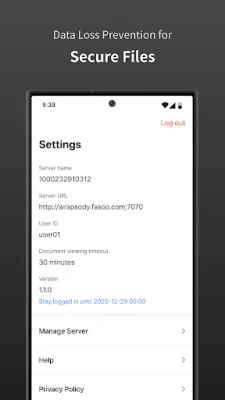

Latest Version
November 22, 2025
Fasoo Co., Ltd.
Tools
Android
0
Free
com.fasoo.m.fasoosecureviewer
Report a Problem
More About Fasoo Secure Viewer
The Fasoo Secure Viewer app allows users to securely access documents on their Android phones and tablets. This includes both encrypted secure documents and non-encrypted plain documents. However, it is important to note that the app is only available for users who are authenticated in FED-M. Non-authenticated users will not be able to access any documents through the app.
One of the main features of the Fasoo Secure Viewer app is its support for document viewing and editing with permission-based access control. This means that users can only view and edit documents if they have the necessary permissions. The available document permissions may vary depending on the purchased license type and administrator settings.
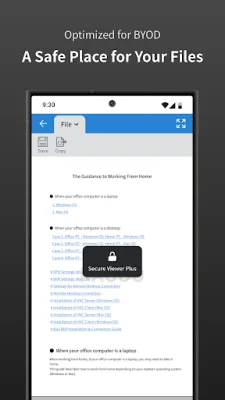
In order to ensure the security of the documents, the app also displays screen watermarks and prevents screen captures. This helps to prevent unauthorized users from taking screenshots or photos of the documents.
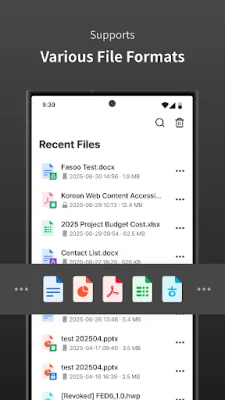
The Fasoo Secure Viewer app also provides features for document search and management. This makes it easier for users to find and organize their documents within the app.
Another important aspect of the app is its ability to control document access based on location. This means that users can only access certain documents when they are in a specific location, adding an extra layer of security to the app.
The app supports a variety of file formats for both viewing and editing. These include MS Word, PowerPoint, and Excel files, as well as Adobe PDFs. There are also some file formats that can only be viewed, such as Hangul, text, and image files. This allows users to access a wide range of documents through the app.
Rate the App














Popular Apps









