

Miracast - Screen Mirroring
1.5.4 by WECHOICE MOBILE (0 Reviews) September 01, 2024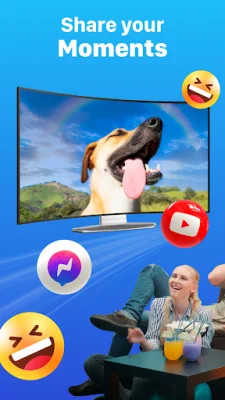
Latest Version
1.5.4
September 01, 2024
WECHOICE MOBILE
Tools
Android
0
Free
com.miracast.chromecast.screenmirroring.smartview.tvcast.smartcast
Report a Problem
More About Miracast - Screen Mirroring
Are you tired of watching movies and videos on your small smartphone screen? Do you want to upgrade your viewing experience? Look no further than screen mirroring - smart view! This app allows you to easily stream content from your phone to your TV in high quality. Say goodbye to squinting at a tiny 6.5 inch screen and hello to enjoying your favorite movies, music videos, photos, and even online games on the big screen with just the touch of a button.
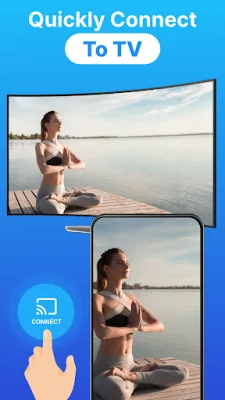
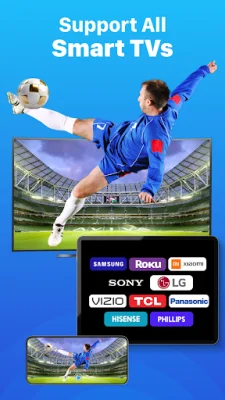
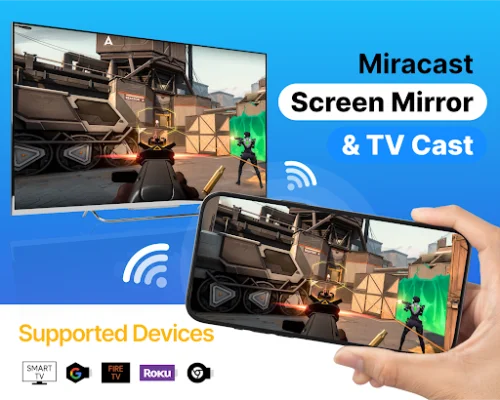
With screen mirroring - Miracast, you can quickly and effortlessly cast from your phone or tablet to a variety of devices such as Chromecast TV, Roku, Miracast, Fire TV, and other smart TVs. But that's not all - the smart view feature also lets you access and enjoy your media library on popular smart TVs like Mi TV, Samsung Smart TV, TCL, Sony, and LG TV.
But this app is more than just a simple screen mirroring tool. It enhances your viewing experience by allowing you to stream videos, movies, and sports games directly from your phone to your TV. And with its fast and easy connection process, you can start enjoying your content on the big screen in no time.
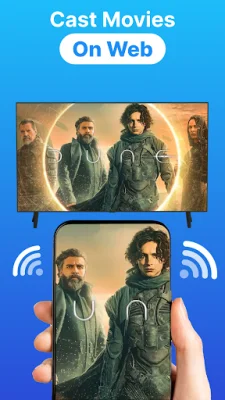
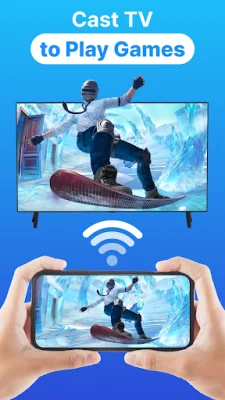
Some of the key features of this app include the ability to cast all types of media files, support for multiple devices, and the option to play mobile games on your TV screen. You can even cast live videos from your browser and share your favorite photos with family and friends on the big screen.
To use this app, your TV must support Wireless Display or Display Dongles and be connected to the same Wi-Fi network as your phone. Simply search for your device, select and pair it, and you're ready to go. And don't worry about limitations - you can easily search for and stream your favorite TV shows and series on your TV screen.
So why wait? Upgrade your viewing experience with Miracast - Screen Mirroring. It's a free and stable option for screen sharing with TV, and it's compatible with most smart TVs, DLNA receivers, and wireless adapters. And if you encounter any issues, the app's support team is just an email away. Don't miss out on the opportunity to turn your small phone screen into a big TV screen with this must-have app.
Rate the App











Popular Apps









