
Remote for Fire TV - FireStick
by Hexabyte Lab (0 Reviews) April 18, 2026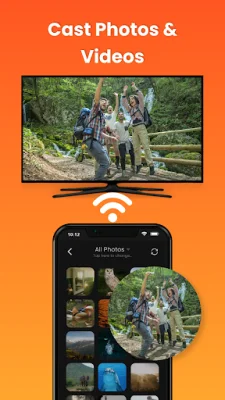
Latest Version
April 18, 2026
Hexabyte Lab
Tools
Android
0
Free
com.firetv.tvcast.remote.control
Report a Problem
More About Remote for Fire TV - FireStick
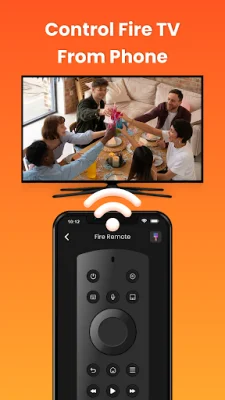
Upgrade your Firestick experience with a simple and easy-to-use remote control app. If you have lost your Fire Stick TV remote, you can easily use your smartphone as a Firestick remote control. This app allows you to navigate menus, type faster, control playback, and open apps without relying on a physical remote. It connects over your home Wi‑Fi network to deliver a smooth, reliable, and responsive remote control experience, making it perfect for daily TV use.
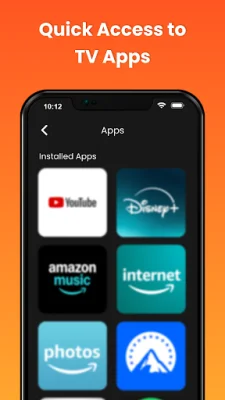
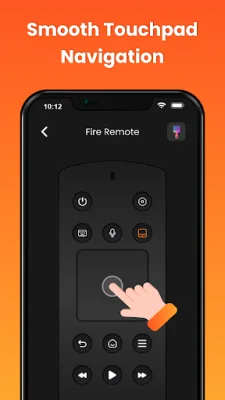
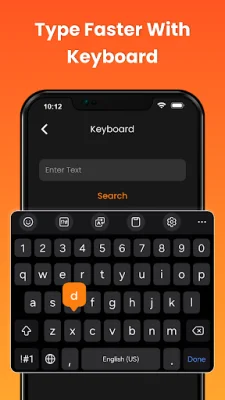
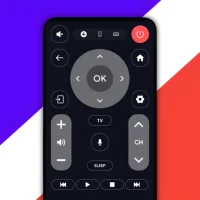
The app offers full Fire TV remote control functionality, similar to a physical remote. It also features touchpad navigation for smooth scrolling and precise control, as well as a built-in keyboard for faster typing in searches and apps. You can also quickly access installed Fire TV apps and streaming channels, and use one-tap power and media playback controls. Additionally, you can cast local photos and videos directly to your TV and screen mirror from your Android phone to Fire TV.
Users choose this app as a Fire Stick remote replacement, especially when the original remote is lost or not working. It also offers faster text input compared to standard TV remotes and is a reliable Wi‑Fi remote for Fire TV devices. The simple interface is designed for everyday use, and you can quickly access your favorite apps and channels using the Firestick remote.
To use the app, you simply need to connect your Android phone and Fire TV to the same Wi‑Fi network, open the app, and select your Fire TV device. Then, enter the PIN shown on your TV, and you can start controlling your Fire TV instantly.
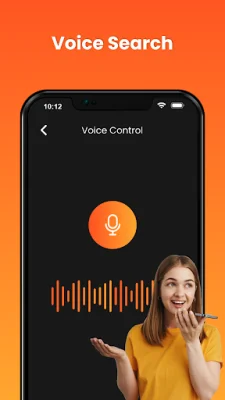
It's important to note that this app is a third-party remote control solution and is not affiliated with or endorsed by Amazon or Fire TV. Voice search support may vary depending on device model and regional availability, and screen mirroring and casting performance may vary based on network strength and connectivity. The app developers welcome feedback, suggestions, or improvement ideas to enhance the app experience, and no sensitive personal data is collected. Permissions are used strictly for core app functionality only.
Rate the App












Popular Apps









