Sony Bravia Screen Mirroring
4.0 by XDeev Studio (0 Reviews) August 28, 2024



Latest Version
4.0
August 28, 2024
XDeev Studio
Tools
Android
0
Free
com.screenmirroring.sony.bravia
Report a Problem
More About Sony Bravia Screen Mirroring
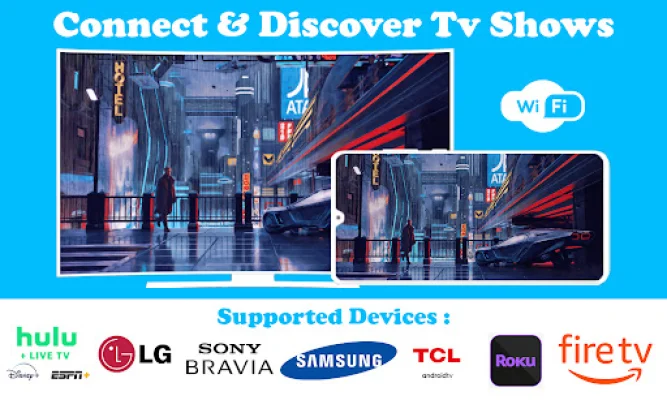
Screen Mirroring is a useful tool that allows you to display your smartphone screen on your TV. This means you can easily access all of your games, photos, videos, and other applications on a larger screen using the Screen Stream Mirroring (Castto) App. If you're tired of straining your eyes to see things on your small phone screen, this app provides a great solution by allowing you to connect your phone to your TV.
However, it's important to note that this app only works with Sony TVs that have the built-in Video & TV Cast app. If you have a Sony TV with integrated Android TV, you will need to download the 'Video & TV Cast | Google Cast' app instead. It's also worth mentioning that this app does not support certain types of videos, such as Flash video, Google Play movies, Netflix, Amazon, and HBO, as well as DRM protected videos, web-videos, online-movies, livestreams, and live-tv shows.
When using this app, you will need to open the built-in Video & TV Cast app on your Sony TV to start. Then, you can enter the IP address of your Android device using the number pad and directional keys on your Sony remote. It's important to note that this app does not mirror your entire Android device, but rather just the video portion of a website. If you want to play mp4, m3u8, or other video files directly on your Sony TV, you can simply enter or paste the full video URL into the browser address bar.
It's also worth mentioning that sometimes you may need to play the video on your Android device before it can be detected for casting. If you experience connection issues, you can try restarting your Android device, Sony TV, and wifi router. If a specific web-video, online-movie, livestream, or live-tv show does not cast, you can check the FAQ or report the issue to the app's developers for support. It's important to provide information about your issue rather than leaving negative reviews, as this will give the developers a chance to help you.
Lastly, it's worth noting that this app only requires minimal Android permissions to work and does not access your personal data, accounts, device ID, phone status, GPS location, or contacts. It's always important to check the required app permissions before installing any Android app for your safety. Overall, Screen Mirror 2020 - TV Screen Casting is a useful tool for those looking to display their smartphone screen on a larger TV screen for a better viewing experience.
Rate the App













Popular Apps









