

Touch Macro-Auto Touch
by jake77 (0 Reviews) November 22, 2025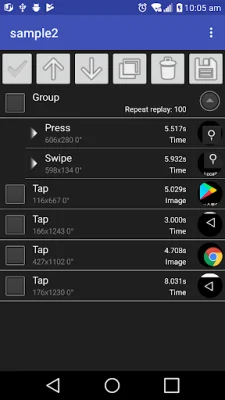

Latest Version
November 22, 2025
jake77
Tools
Android
0
$2.49
com.jake.TouchMacro
Report a Problem
More About Touch Macro-Auto Touch
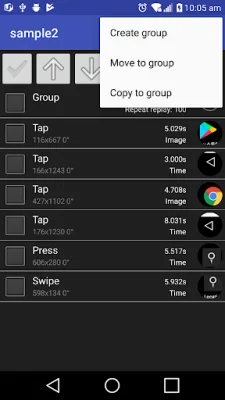
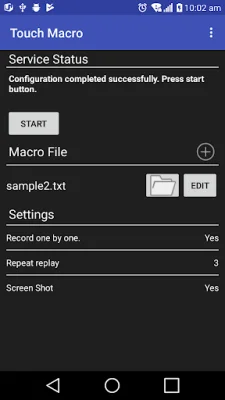
TOUCH MACRO is an application that allows for automatic touch without routing. However, before using the app, an initial setup using a computer is required. This setup is necessary for the app to function properly and should be completed before making any purchases. Once the setup is complete, TOUCH MACRO can be used without the need for a computer. For instructions on how to complete the initial setup, please refer to the provided link.
If your device is rooted, you can start using TOUCH MACRO immediately after installing the application. However, for non-rooted devices, the initial setup is required.
There are a few precautions to keep in mind when using TOUCH MACRO. Firstly, it is important not to reboot your smartphone after completing the setup, as this will cause the app to stop working. Additionally, it is necessary to disconnect your smartphone from the computer after completing the settings.
The initial setup process for TOUCH MACRO can be found at the following link: http://goodluck2000-android-developer.blogspot.kr/2017/10/touch-macro-configuration.html. This link provides step-by-step instructions on how to complete the setup process.
Recently, there have been issues with the app being labeled as an uncertified app. The developer is aware of this issue and is working to resolve it. In the meantime, the developer suggests checking the account that is logged into Google Play Services and ensuring that it is the original and SEO-oriented account.
Rate the App












Popular Apps









