

WiFi File Transfer
by Tejas Moon (0 Reviews) November 25, 2025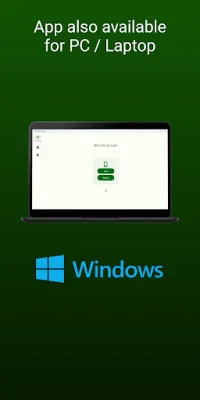
Latest Version
November 25, 2025
Tejas Moon
Tools
Android
0
Free
com.tejasmoon.wifi_file_transfer
Report a Problem
More About WiFi File Transfer
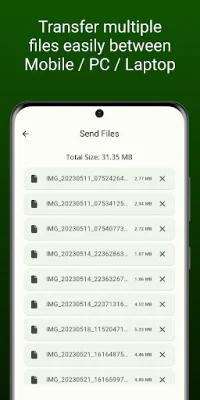
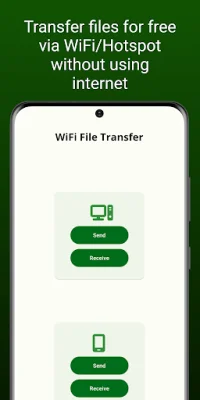
This application allows users to transfer files between devices in two different ways. The first method is by using the app itself, which is only available for Android and Windows devices. The second method is by using a browser, which can be used for any device that has WiFi and a browser.
When using the app, both devices must have the app installed in order for the transfer to be successful. This method is only available for Android and Windows devices, so users with other types of devices will need to use the second method.
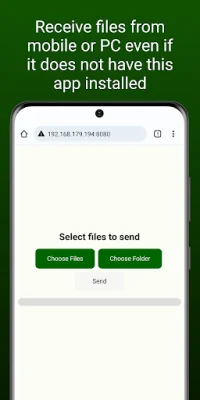
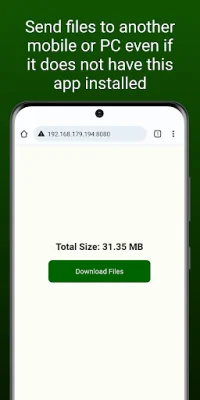
The second method, without using the app, allows users to send and receive files to any device that has WiFi and a browser. This means that users can transfer files to devices that do not have the app installed. However, it is important to note that some devices automatically disconnect WiFi or hotspot when internet or mobile data is turned off. In order to maintain connectivity during file transfer, the internet must be turned on.
It is also worth mentioning that files will always be transferred without using the internet, even if the user's internet is turned on. This ensures that the transfer is secure and does not use any data. This feature is especially useful for users who have limited data plans or are in areas with poor internet connectivity.
In summary, this app provides two convenient ways for users to transfer files between devices. The first method is by using the app itself, which is only available for Android and Windows devices. The second method is by using a browser, which can be used for any device with WiFi and a browser. With the option to transfer files without using the internet, this app offers a secure and efficient way for users to share files with each other.
Rate the App















Popular Apps









